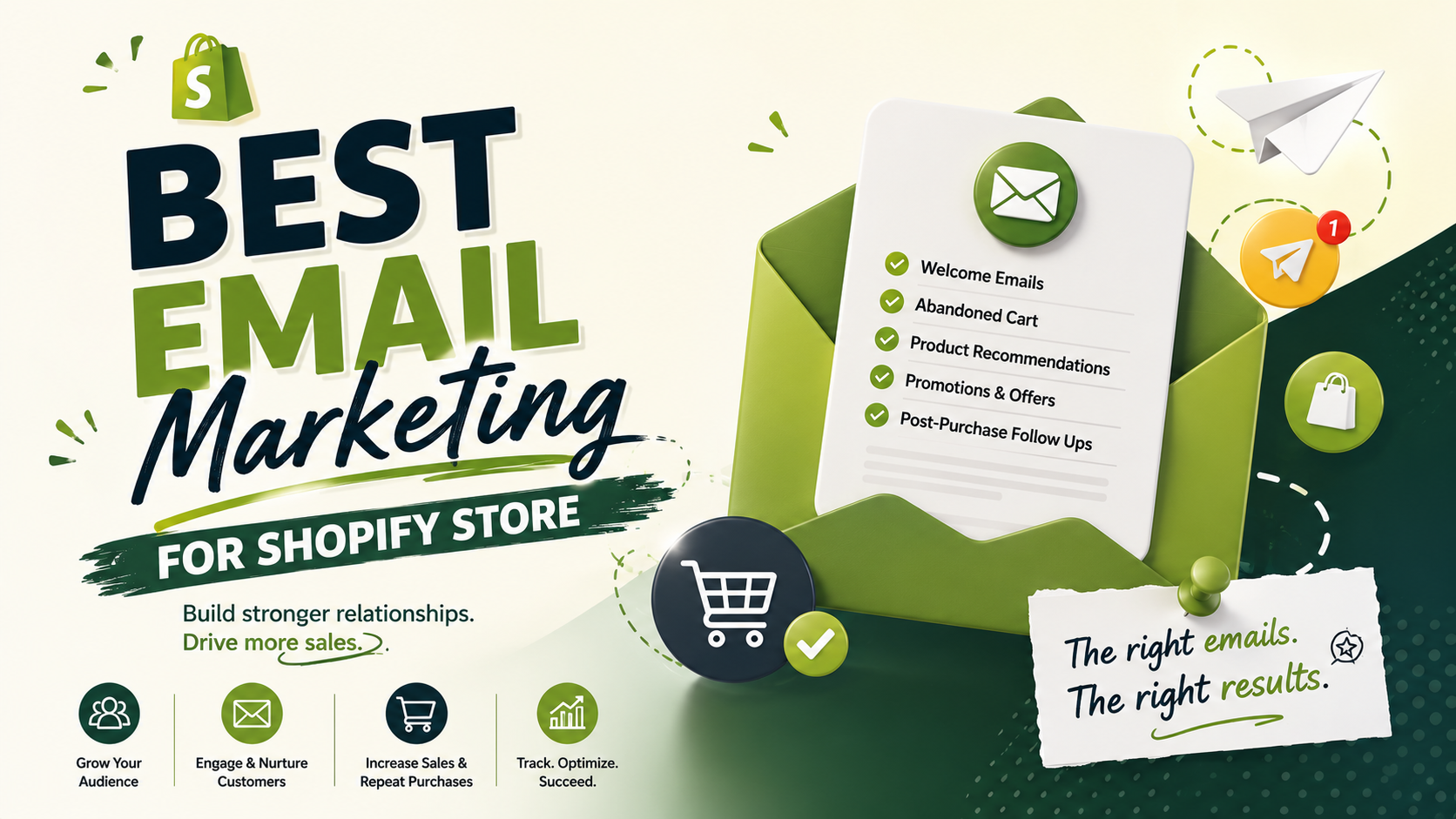
Choosing the right email marketing tool can make or break your Shopify store’s revenue. While driving traffic to your site is expensive, email marketing gives you a direct channel to retain customers, increase order values, and turn one-time shoppers into repeat buyers
Here is a breakdown of the top email marketing platforms for Shopify, tailored to different business sizes, budgets, and strategic goals.
1. Klaviyo — Best for Data-Driven Scaling & Advanced Segmentation
Klaviyo is widely considered the gold standard for Shopify merchants. It syncs deeply with Shopify, letting you trigger emails based on granular customer behaviors—like viewing a specific product page, abandoning a cart, or reaching a certain predicted lifetime value.
Key Strengths:
Unmatched segmentation based on real-time order history and site activity.
Predictive analytics (e.g., next predicted order date, churn risk).
Rich library of pre-built automated flows (abandoned cart, post-purchase, win-back).
Best For: Mid-sized to enterprise Shopify stores looking to maximize ROI through hyper-personalized messaging.
Pricing: Free plan available (up to 250 contacts); paid plans scale with list size.
2. Omnisend — Best All-in-One Channel (Email + SMS)
Omnisend is built specifically for e-commerce and excels at multi-channel marketing. It allows you to combine Email, SMS, and Push notifications into a single automated workflow without needing third-party plugins.
Key Strengths:
Intuitive drag-and-drop editor with built-in product pickers (pull products directly from Shopify).
Seamless integration of SMS alongside email in automated sequences.
Interactive email elements like scratch cards and gift boxes to boost engagement.
Best For: Growing stores that want an easy-to-use, powerful tool for combining email and SMS marketing under one roof.
Pricing: Free plan available (up to 250 contacts / 500 emails); paid plans start around $16/month.
3. Shopify Email — Best Native Option for Beginners
If you are just launching your store or want something simple built right into your Shopify admin, Shopify Email is the easiest way to start. There are no third-party apps to set up or sync.
Key Strengths:
Zero setup required; pull product details, prices, and branding directly from your theme.
Managed directly within your Shopify Dashboard.
Clean, simple templates for newsletters and basic automated sequences.
Best For: New store owners and small businesses prioritizing low costs and total simplicity over complex automation.
Pricing:10,000 free emails per month, then $1 per 1,000 additional emails sent.
4. Drip — Best for Visual Workflows & E-commerce Automation
Drip offers a visual workflow builder that makes it easy to map out complex customer journeys. It focuses heavily on direct revenue tracking, showing you exactly how much money each flow generates.
Key Strengths:
Exceptional visual builder for complex multi-branch automation.
Advanced behavioral tagging and dynamic list building.
Built-in split testing for workflows and campaigns.
Best For: Store owners who want intuitive, flow-based automation without the steep learning curve of enterprise tools.
Pricing: Starts at $39/month (includes a 14-day free trial).
Platform
Best Feature
Complexity
Price Starting
Klaviyo
Advanced segmentation & predictive data
High
Free plan / Paid from $20/mo
Omnisend
Multi-channel (Email + SMS) workflows
Medium
Free plan / Paid from $16/mo
Shopify Email
Built-in native admin integration
Very Low
10k free emails/mo
Drip
Visual automation & behavior tracking
Medium
14-day trial / Paid from $39/mo
Which One Should You Choose?
Choose Shopify Email if you want to keep costs minimal and send standard newsletters.
Choose Omnisend if you want to run SMS campaigns alongside email with a user-friendly setup.
Choose Klaviyo if you have a growing customer base and want to leverage data for maximum lifetime value.