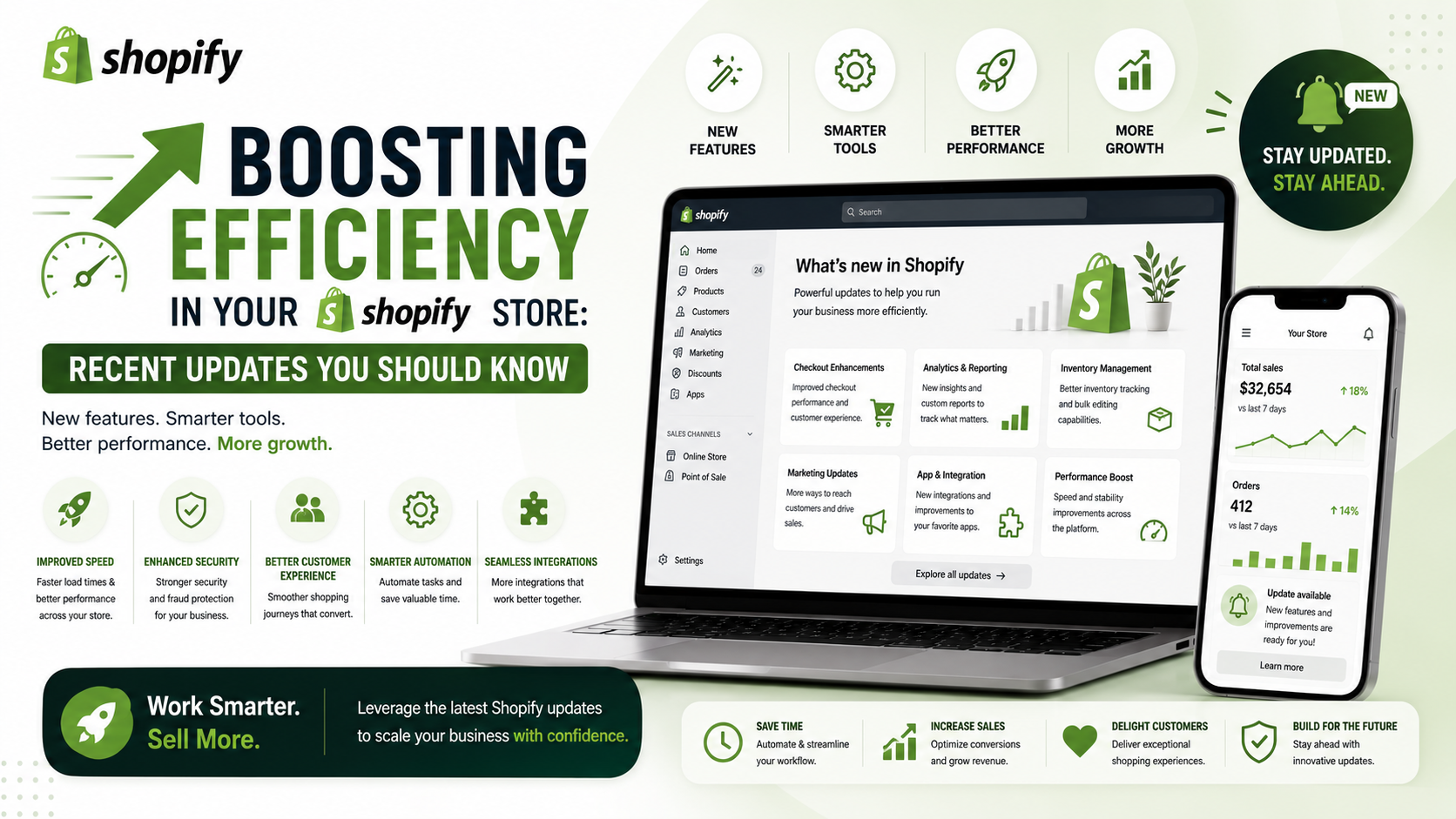
As a Shopify store owner or developer, staying up-to-date with the latest platform updates is crucial to maximizing your store's potential. Recently, Shopify has introduced several exciting updates that can help you streamline your operations, improve your store's performance, and enhance your overall customer experience. In this article, we'll delve into the most significant updates and provide you with practical tips on how to leverage them to boost your store's efficiency and productivity.
Simplifying Workflow Management with Copy and Paste Functionality
Shopify has introduced a game-changing feature that allows you to copy and paste steps in your workflows. This update is a huge time-saver, as it eliminates the need to recreate existing steps from scratch. With this feature, you can quickly duplicate actions or conditions and paste them into new workflows, making it easier to standardize processes across your store. To use this feature, simply select the step you want to copy, use the Cmd/Ctrl+C shortcut, and then paste it into your desired workflow using Cmd/Ctrl+V.
Enhancing SEO with Hreflang Tags and Staff Permissions
Shopify has also made significant updates to its SEO features, including the introduction of automatic hreflang tags. These tags help search engines determine which language or region version of a page to serve to visitors. You can now turn these tags on or off from your admin settings, giving you more control over your store's SEO. Additionally, Shopify has released new staff permissions that provide more granular control over who can access and manage sensitive information, such as payments, payouts, and tax documents. These updates can help you improve your store's visibility, security, and overall performance.
Streamlining Inventory Management with Transfer Metafields
Inventory management is a critical aspect of any e-commerce business, and Shopify has made it easier with the introduction of transfer metafields. These custom fields allow you to store additional information about your inventory transfers, such as lot numbers, serial numbers, or logistics details. You can define and manage these metafields in your Shopify admin settings and use them to filter and analyze your inventory data. This update can help you gain better insights into your inventory operations and make more informed decisions about your business.
Conclusion and Action Checklist
In conclusion, the latest Shopify updates offer a range of exciting features and enhancements that can help you streamline your store's operations, improve its performance, and enhance the customer experience. To get the most out of these updates, follow this action checklist:
1. Explore the new copy and paste functionality in your workflows and start streamlining your processes.
2. Review your SEO settings and adjust your hreflang tags accordingly.
3. Update your staff permissions to ensure that only authorized team members have access to sensitive information.
4. Start using transfer metafields to gain better insights into your inventory operations.
By following these steps, you can unlock the full potential of the latest Shopify updates and take your store to the next level. Stay ahead of the curve and keep exploring the latest features and enhancements to maximize your Shopify experience.