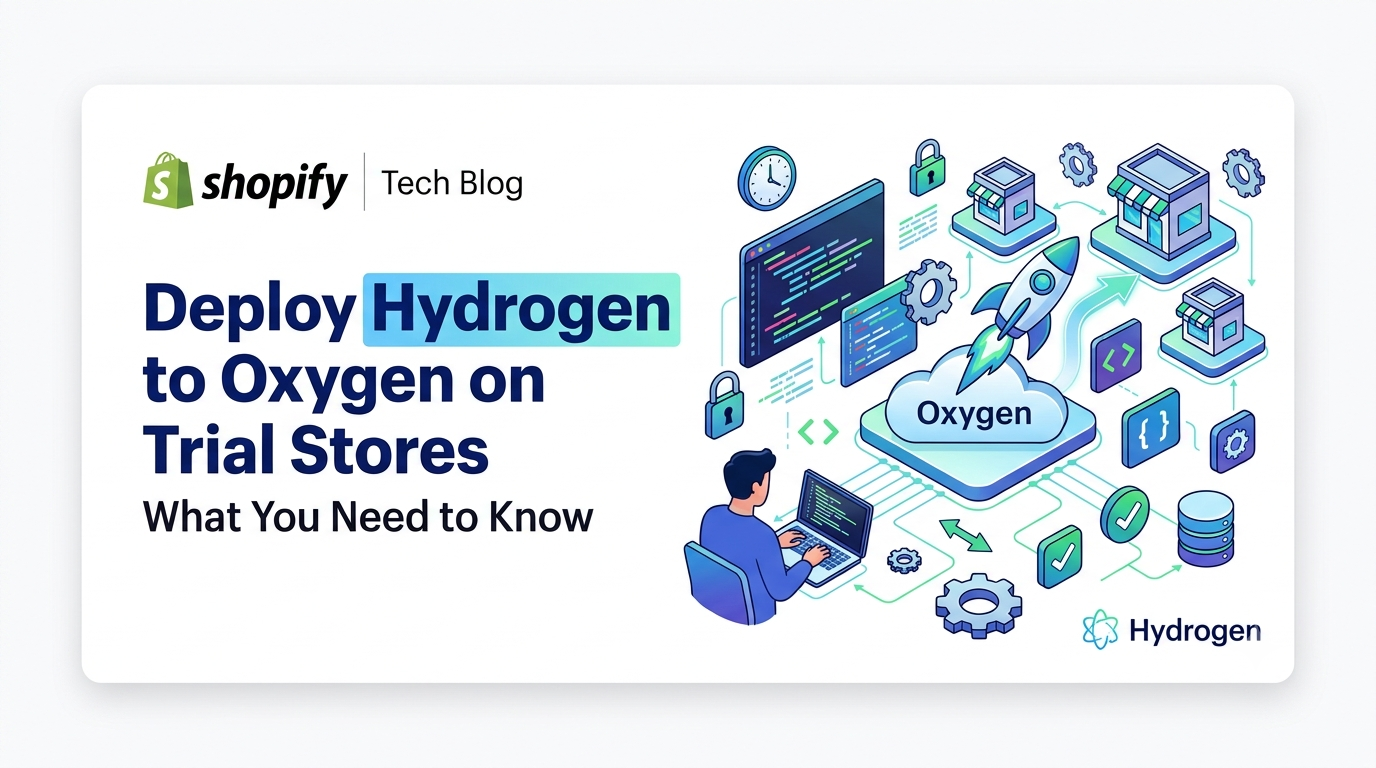
Deploy Hydrogen to Oxygen on Trial Stores – What You Need to Know

Shopify now lets developers deploy Hydrogen storefronts to Oxygen from trial plan stores, removing the paid‑plan barrier. Learn who’s affected, how to set up, and what limits to watch.

Deploy Hydrogen to Oxygen on Trial Stores – What You Need to Know
6 sections

Shopify’s latest developer changelog removes a key hurdle: trial plan stores can now deploy Hydrogen storefronts to Oxygen. This opens up full‑stack development on a free store, letting you test and showcase custom storefronts without upgrading to a paid plan.

What’s Changed

Previously, Oxygen hosting required a paid Shopify plan. The new update expands Oxygen availability to trial stores, meaning you can spin up a Hydrogen project, push it to Oxygen, and view the live URL—all from a store that’s still on the free trial.

Who Is Affected

This change is aimed at two audiences:

  • Developers building custom storefronts who want a zero‑cost environment for prototyping or client demos.
  • Merchants who are experimenting with Hydrogen but haven’t yet committed to a paid plan. The update does not affect existing Oxygen customers on paid plans—they continue to have the same capabilities, including public environments.
  • How to Deploy on a Trial Store

  • Ensure your trial store has the "Hydrogen" app installed and the Shopify CLI set up.
  • Initialize a Hydrogen project (or use an existing one).
  • Authenticate with the CLI:
  • shopify login --store your-trial-store.myshopify.com

  • Deploy to Oxygen:
  • shopify hydrogen deploy --store your-trial-store.myshopify.com

    The CLI will create an Oxygen environment for you and return a preview URL. Because trial stores lack public environments, the URL will always prompt for a store login before rendering the storefront.

    Example of an optional oxygen.toml configuration you might add to control the build:

    toml

    [build]

    command = "npm run build"

    [environment]

    NODE_ENV = "production"

    Limitations & Considerations

  • No public environments: All preview URLs are gated behind a Shopify login. If you need a shareable public link, you’ll still need a paid plan.
  • Resource caps: Trial stores inherit the standard trial resource limits (e.g., API call quotas). Heavy traffic or extensive build processes may hit these caps.
  • Feature parity: All Oxygen features are available, but advanced add‑ons that require billing (e.g., custom domains) remain unavailable on trial stores.
  • Transition: When you upgrade the store to a paid plan, the existing Oxygen deployment automatically gains a public environment without needing to redeploy.
  • Next Steps for Developers & Merchants

  • Start a sandbox: Spin up a fresh trial store, install the Hydrogen app, and run the deployment steps above to get hands‑on experience.
  • Update your workflow: Document the extra login step in your CI/CD pipelines so teammates know the preview URL isn’t publicly accessible.
  • Communicate with clients: If you’re building for a merchant, explain that the trial preview is secure and only visible to authenticated users; offer a paid‑plan upgrade for a public demo.
  • Monitor limits: Use the Shopify admin’s usage reports to keep an eye on API and build quotas during the trial phase.
  • Conclusion

    The ability to run Hydrogen on Oxygen from trial stores removes a major friction point for developers and merchants eager to experiment with Shopify’s next‑gen storefront platform. While the preview URLs remain login‑protected, you now have a fully functional, cost‑free environment to prototype, test, and showcase custom storefronts. Upgrade to a paid plan when you’re ready for public URLs or advanced features, but until then, make the most of this new trial capability and bring your Shopify storefront ideas to life faster than ever.
    Tags
    Sources

    Related Articles

    Shopify Storefronts Now Support UCP 2026‑08‑25 – What Developers Need to Know
    Platform Updates

    Shopify Storefronts Now Support UCP 2026‑08‑25 – What Developers Need to Know

    Shopify’s storefronts now advertise support for the Universal Commerce Protocol version 2026‑08‑25, enabling seamless capability negotiation for platforms and agents. Learn what changed, who’s impacted, and the exact steps you should take.

    September 4, 20263 min
    Staff Can Now View Customers’ Online Carts Directly in Shopify POS
    Platform Updates

    Staff Can Now View Customers’ Online Carts Directly in Shopify POS

    Shopify POS v11.14 now lets authorized staff see an identified customer’s abandoned online cart at checkout. Learn who this impacts, how to enable the permission, and actionable steps to boost in‑store conversions.

    September 3, 20263 min
    Hydrogen Developer Preview Unleashed: Variant Links, Cart Refresh, and Local HTTPS Made Simple
    Platform Updates

    Hydrogen Developer Preview Unleashed: Variant Links, Cart Refresh, and Local HTTPS Made Simple

    Shopify’s Hydrogen preview adds variant‑specific links, automatic cart refresh, and one‑command local HTTPS certificates—essential upgrades for developers building custom storefronts. Learn what changed, who’s impacted, and how to implement them today.

    September 3, 20264 min
    Instant Connectivity Insight: New POS Home Status Icon
    Platform Updates

    Instant Connectivity Insight: New POS Home Status Icon

    Shopify POS now shows a real‑time connectivity icon right on the Home screen, letting staff confirm device readiness before checkout. Learn what changed, who it impacts, and how to make the most of this seamless update.

    September 1, 20264 min