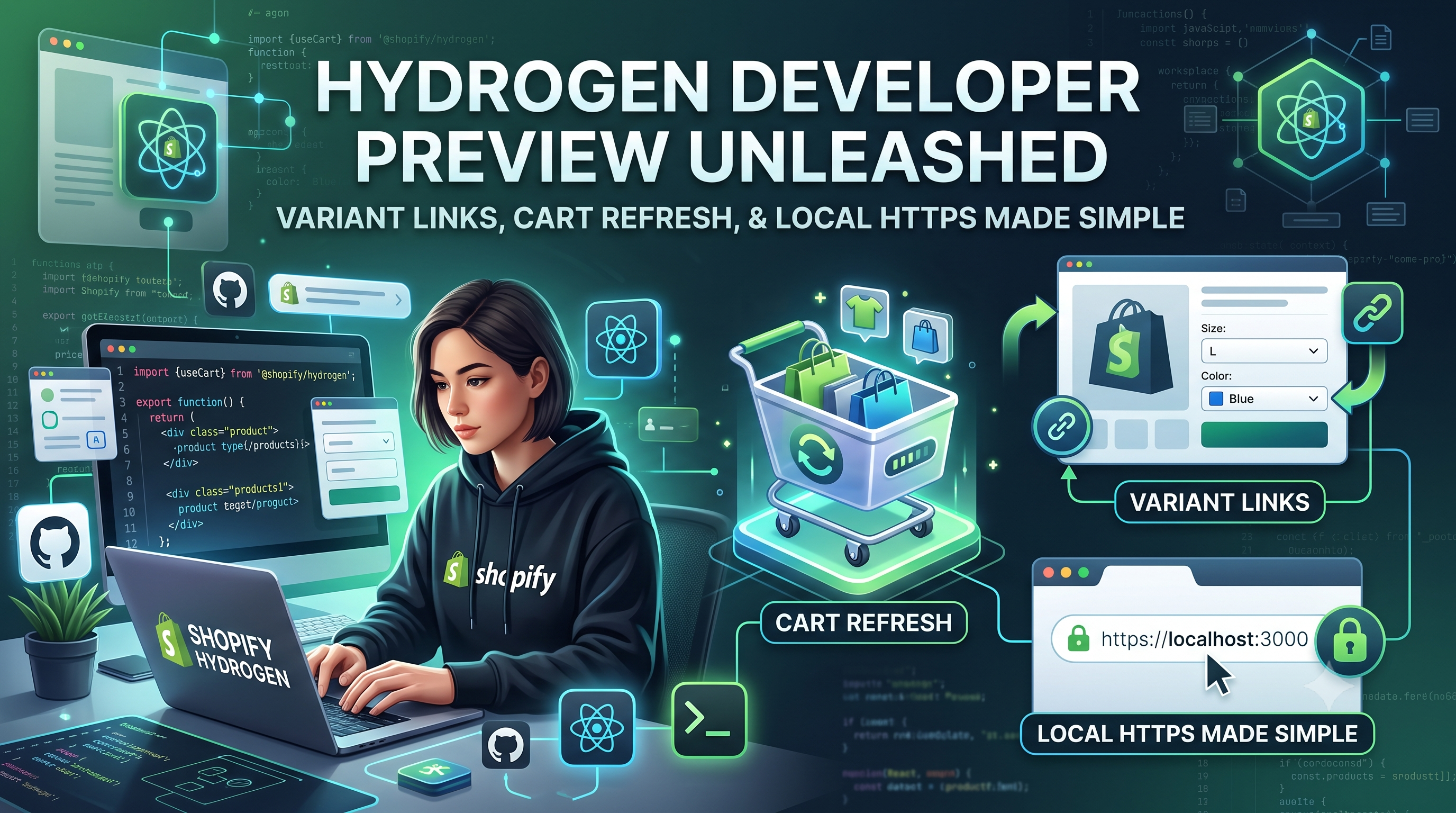
Shopify just rolled out a significant Hydrogen developer preview update (September 2, 2026). While the changes are developer‑focused, they directly affect how merchants experience product pages, carts, and account logins. In this post we break down the three new capabilities—variant links, cart refresh, and local HTTPS certificates—explain who needs to act, and provide ready‑to‑copy code snippets so you can adopt them immediately.
Variant Links: Direct Navigation to Specific Variants
What changed? Previously, any URL that referenced a variant (for example, a link generated for Google Shopping) would land the shopper on the product’s default variant. The preview now respects the variant identifier in the URL, loading the exact variant you’ve specified.
Who is affected? Front‑end developers who build custom product‑detail pages or integrate third‑party feeds. Merchants benefit indirectly because shoppers see the exact size/color they clicked on, reducing friction and potential returns.
How to implement
Hydrogen’s routing already parses the URL slug. You only need to adjust your Product component to read the variantId param and pass it to the <VariantPicker> or directly to the Storefront API query.
js
// app/routes/product.$handle.jsx
import {useLoaderData} from '@remix-run/react';
import {json} from '@shopify/remix-oxygen';
export async function loader({params, request}) {
const url = new URL(request.url);
const variantId = url.searchParams.get('variant'); // e.g. gid://shopify/ProductVariant/1234567890
const {product} = await storefront.query(PRODUCT_QUERY, {
variables: {handle: params.handle},
});
return json({product, variantId});
}
export default function Product() {
const {product, variantId} = useLoaderData();
const initialVariant = product.variants.nodes.find(v => v.id === variantId);
return <ProductDetails product={product} initialVariant={initialVariant} />;
}
Cart Refresh: Keep the UI in Sync After Server‑Side Changes
What changed? When you modify the cart on your own server—perhaps adding custom line items, applying discounts, or updating attributes—the Hydrogen UI now automatically re‑loads the cart after the mutation completes. Previously developers had to manually call useCartFetch or force a page reload.
Who is affected? Any app or custom checkout flow that manipulates the cart outside the standard Hydrogen cart actions. This includes headless integrations, B2B pricing logic, and custom subscription add‑ons.
How to adopt
The new refreshCart flag is added to the useCart hook. Set it to true when you invoke your custom mutation, and Hydrogen will re‑fetch the latest cart state for you.
js
import {useCart} from '@shopify/hydrogen';
export default function AddCustomItemButton({productId}) {
const {refreshCart, cart} = useCart({refreshCart: true});
async function handleClick() {
await fetch('/api/custom‑add', {
method: 'POST',
body: JSON.stringify({productId}),
});
// No extra call needed – the cart UI updates automatically
}
return (
<button onClick={handleClick} disabled={!cart}>
Add Custom Item
</button>
);
}
Local HTTPS Certificates: One‑Command Secure Testing
What changed? Hydrogen now generates self‑signed HTTPS certificates for local development automatically. The previous workflow required developers to manually create a cert, add it to their dev server, and configure the Customer Account login flow. The preview streamlines this to a single CLI flag (or no flag at all if you’re using the default hydrogen dev command).
Who is affected? All developers building Shopify Customer Account experiences locally. Merchants see the benefit because secure local testing reduces bugs that could affect real customers once the storefront is pushed live.
How to enable
bash
# Existing command
npm run dev
# New shortcut (creates & trusts certs automatically)
npm run dev -- --https
# Or rely on the default – Hydrogen now detects the need and does it for you.
After the dev server starts, you’ll see a message like ✅ Local HTTPS ready at https://localhost:3000. Your Customer Account login redirects will work without extra configuration.
Action Checklist for Developers
1️⃣ Update your routing logic to read the variant query parameter and pass it to your product component.\n2️⃣ Switch any custom cart‑mutation code to use the useCart({refreshCart:true}) hook.\n3️⃣ Run your Hydrogen app with the --https flag (or simply npm run dev) to generate local certs.\n4️⃣ Test the three flows: variant‑specific URLs, a server‑side cart update, and a Customer Account login on HTTPS localhost.\n5️⃣ Deploy the changes and update any internal documentation so the team knows the new defaults.
What This Means for Merchants
Even though the new features land in the developer toolkit, merchants get a smoother shopper journey. Variant‑specific links eliminate the “wrong size” surprise, instant cart refresh removes stale totals, and secure local testing means fewer checkout bugs in production. If you work with a development agency or have an in‑house dev team, share this post so they can prioritize the update before the next release cycle.
Conclusion & Next Steps
The September 2 2026 Hydrogen preview is a clear example of Shopify investing in the headless ecosystem—making variant navigation precise, cart state reliable, and local testing secure. By updating your codebase now, you’ll avoid retro‑fit work later and give shoppers a tighter, more trustworthy experience. Need help migrating? Reach out to our Shopify development team or drop a comment below—we’re happy to walk you through the changes.