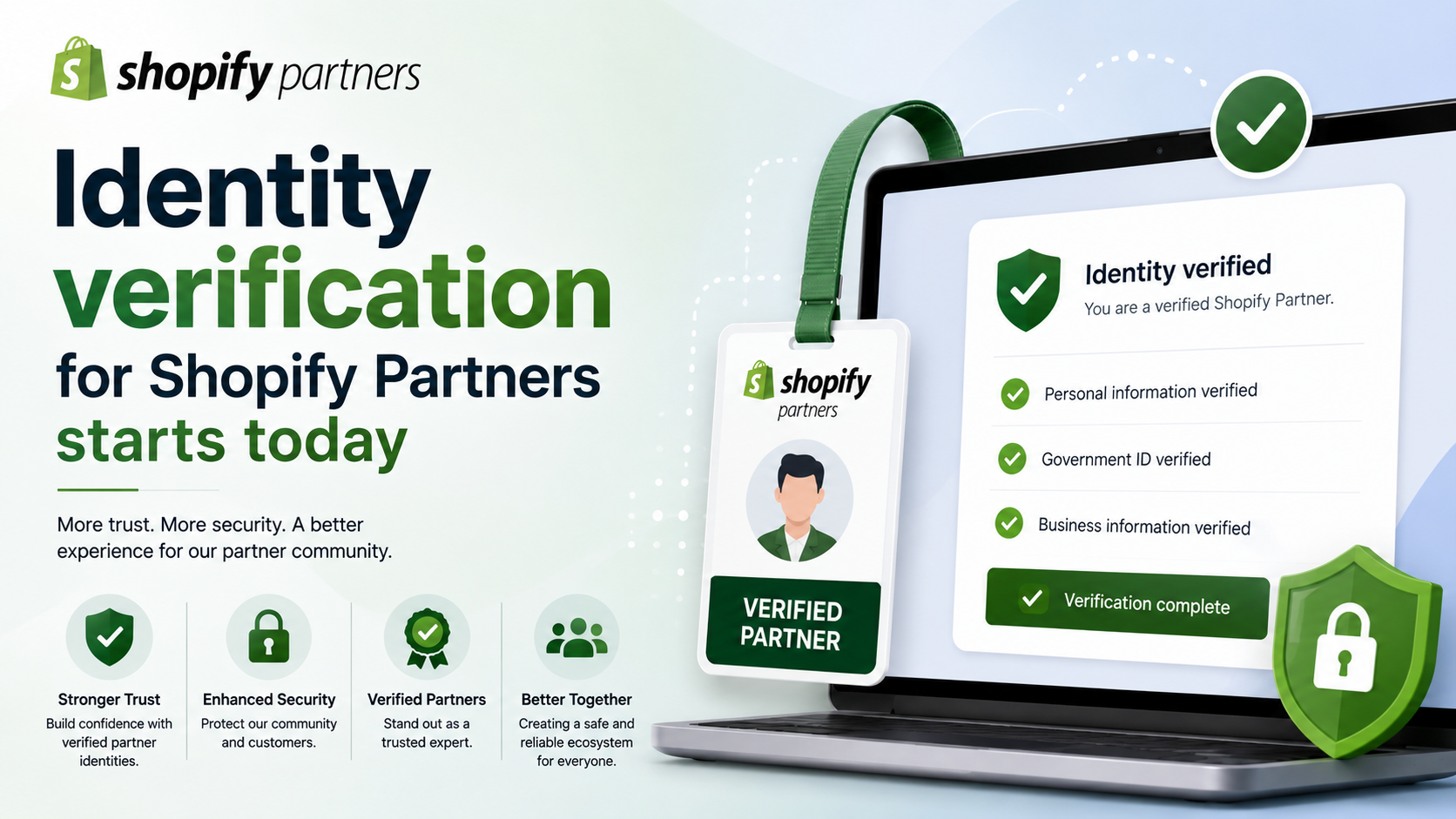
Identity verification for Shopify Partners starts today

Starting today, Shopify Partners can complete identity verification before requesting collaborator access to merchant stores. Identity verification is optional today and will become mandatory in the coming weeks before sending a new collaborator request

Identity verification for Shopify Partners starts today
2 sections

Trust is foundational to the Shopify Partner ecosystem. Partners take actions across Shopify that can directly affect merchants, and merchants need confidence when granting access to their stores. We’re introducing identity verification for partners to help protect merchants, reduce abuse, and make it harder for bad actors to operate, while creating a better experience for legitimate partners.

What changed

Starting today, Shopify Partners can complete identity verification before requesting collaborator access to merchant stores. Identity verification is optional today and will become mandatory in the coming weeks before sending a new collaborator request.

For this launch:

  • Identity verification applies to sending new collaborator requests. Every user in your partner organization sending a new collaboration will need to verify their identity.
  • Identity verification isn’t required just to access collaborator shops where a merchant has already granted access.
  • Verification is completed through Stripe and requires a government-issued photo ID and a selfie or liveness check.
  • We’re starting with collaborator requests because collaborator access is one of the clearest trust moments between merchants and partners. When a merchant approves a collaborator request, they’re giving a partner access to a live store.

    Action required

    If you or anyone in your partner organization sends collaborator requests, complete identity verification on the Request collaborations page in the Dev Dashboard.

    Identity verification is optional today, but we recommend completing it now to avoid interruption when it becomes mandatory in the coming weeks. After enforcement begins, unverified users won’t be able to send new collaborator requests until they complete verification.

    To prepare:
  • Complete identity verification before sending new collaborator requests.
  • Make sure every user in your partner organization who requests collaborator access verifies their own identity.
  • Have a government-issued photo ID ready, along with access to a device that can complete a selfie or liveness check.
  • Review the related docs below for more context on identity verification and collaborator access.
  • Verifying your identity as a Shopify Partner

    Collaborator requests: Information shared with merchants

    Tags

    Related Articles

    Shopify Storefronts Now Support UCP 2026‑08‑25 – What Developers Need to Know
    Platform Updates

    Shopify Storefronts Now Support UCP 2026‑08‑25 – What Developers Need to Know

    Shopify’s storefronts now advertise support for the Universal Commerce Protocol version 2026‑08‑25, enabling seamless capability negotiation for platforms and agents. Learn what changed, who’s impacted, and the exact steps you should take.

    September 4, 20263 min
    Staff Can Now View Customers’ Online Carts Directly in Shopify POS
    Platform Updates

    Staff Can Now View Customers’ Online Carts Directly in Shopify POS

    Shopify POS v11.14 now lets authorized staff see an identified customer’s abandoned online cart at checkout. Learn who this impacts, how to enable the permission, and actionable steps to boost in‑store conversions.

    September 3, 20263 min
    Hydrogen Developer Preview Unleashed: Variant Links, Cart Refresh, and Local HTTPS Made Simple
    Platform Updates

    Hydrogen Developer Preview Unleashed: Variant Links, Cart Refresh, and Local HTTPS Made Simple

    Shopify’s Hydrogen preview adds variant‑specific links, automatic cart refresh, and one‑command local HTTPS certificates—essential upgrades for developers building custom storefronts. Learn what changed, who’s impacted, and how to implement them today.

    September 3, 20264 min
    Instant Connectivity Insight: New POS Home Status Icon
    Platform Updates

    Instant Connectivity Insight: New POS Home Status Icon

    Shopify POS now shows a real‑time connectivity icon right on the Home screen, letting staff confirm device readiness before checkout. Learn what changed, who it impacts, and how to make the most of this seamless update.

    September 1, 20264 min