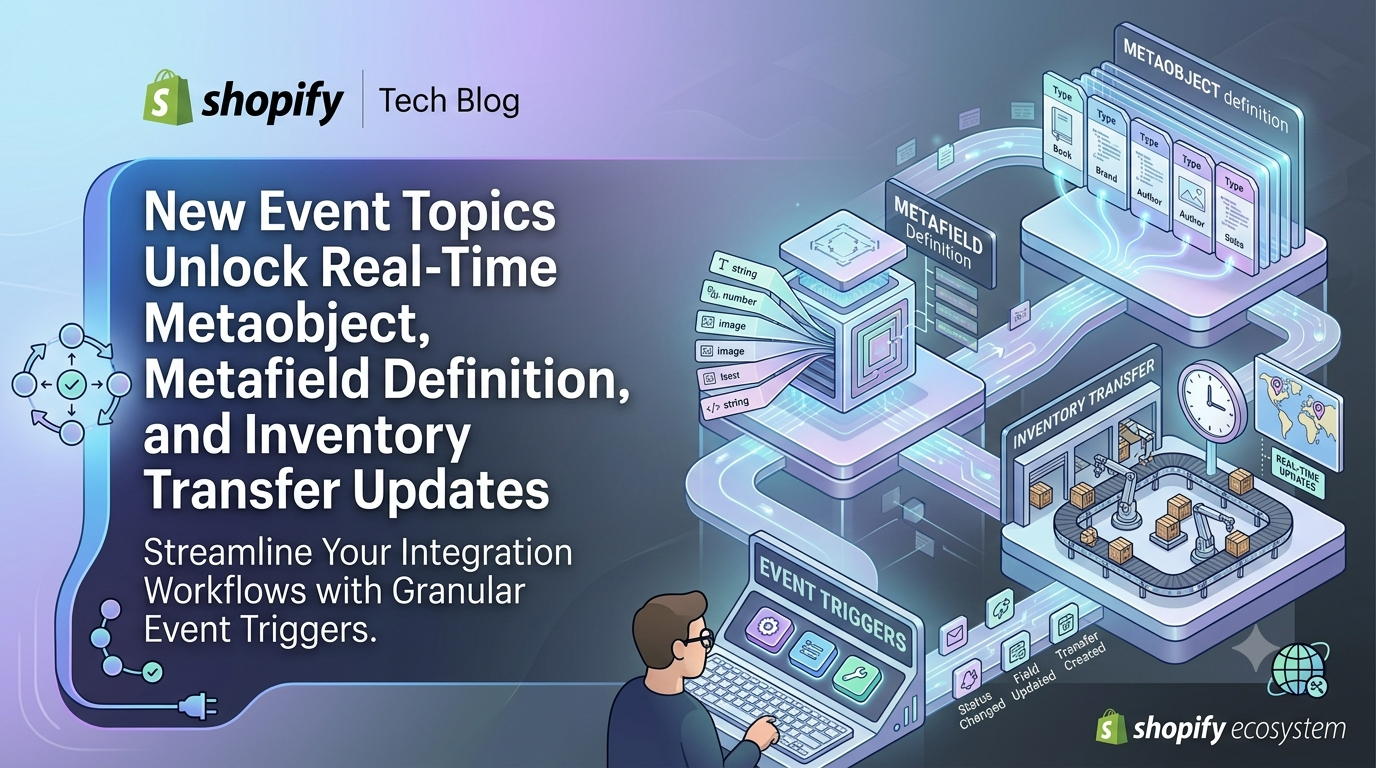
Shopify developers and merchants alike rely on the Events API to stay in sync with store changes without polling. As of the latest developer preview, four new event topics have been added: Metaobject, MetafieldDefinition, MetaobjectDefinition, and InventoryTransfer. This expansion means apps can now listen to granular changes in custom data structures and inventory workflows, reducing the need for heavyweight webhook diffs and improving real‑time responsiveness.
What’s New in the Events API
The unstable API version now exposes four additional topics. Developers can subscribe to create, update, and delete actions on Metaobject, MetafieldDefinition, MetaobjectDefinition, and InventoryTransfer resources. For InventoryTransfer, apps can also target specific metafield changes, allowing ultra‑focused triggers on fields that matter to your business logic.
Who Needs to Pay Attention?
If you build custom apps, private integrations, or use third‑party extensions that rely on Shopify Events, you’re directly affected. Merchants who depend on apps that manipulate metaobjects (e.g., custom product catalogs, blog posts, or any structured content) will see faster, more accurate reactions to their edits. Inventory managers using apps to automate stock transfers will benefit from immediate notifications of transfer creation or field updates.
How to Subscribe to the New Topics
Add the new subscription definitions to your app’s shopify.app.toml (or equivalent configuration). Below is a minimal example that fires only when the title field of a Metaobject of type books changes. The triggers syntax lets you pinpoint the exact field, so your handler receives only relevant payloads.
toml
[events]
api_version = "unstable"
[[events.subscription]]
handle = "metaobject-event"
topic = "Metaobject"
actions = ["update"]
triggers = [
"metaobject(type: 'books').field(key: 'title').value"
]
uri = "/api/events"
query = """
query MetaobjectTitleValue($metaobjectId: ID!, $fieldKey: String!) {
metaobject(id: $metaobjectId) {
id
type
handle
field(key: $fieldKey) {
key
value
}
}
}
"""
Understanding the Payload
When the specified field changes, Shopify sends a concise payload that includes the topic, action, handle, the changed resource, and a fields_changed array that mirrors your trigger expression. This eliminates the need to compare entire objects in your webhook handler.
{ "topic": "Metaobject", "action": "update", "handle": "metaobject-title-value", "data": { "metaobject": { "id": "gid://shopify/Metaobject/123123", "type": "books", "handle": "metaobject-event", "field": { "key": "title", "value": "My Book Title" } } }, "fields_changed": [ "metaobject[id: 'gid://shopify/Metaobject/123123', type: 'books'].field[key: 'title'].value" ], "query_variables": { "metaobjectId": "gid://shopify/Metaobject/123123", "metaobjectType": "books", "fieldKey": "title" } }
Best Practices & Next Steps
unstable API version, so enable it in your app config. 2. Validate triggers – Test your trigger expressions in the GraphQL Explorer to ensure they resolve to the expected fields. 3. Graceful fallback – For resources not yet supported as event topics, keep existing webhook subscriptions as a safety net. 4. Monitor rate limits – Event subscriptions share the same request limits as GraphQL queries; batch your follow‑up queries when processing high‑volume triggers.Conclusion
The addition of Metaobject, MetafieldDefinition, MetaobjectDefinition, and InventoryTransfer topics empowers developers to build tighter, more reactive experiences for merchants. Update your app’s event configuration today, test the new triggers, and watch your integrations become instantly aware of the data that matters most. Need help migrating? Reach out to the Shopify developer community or drop a comment below – we’re here to help you get the most out of the Events API.