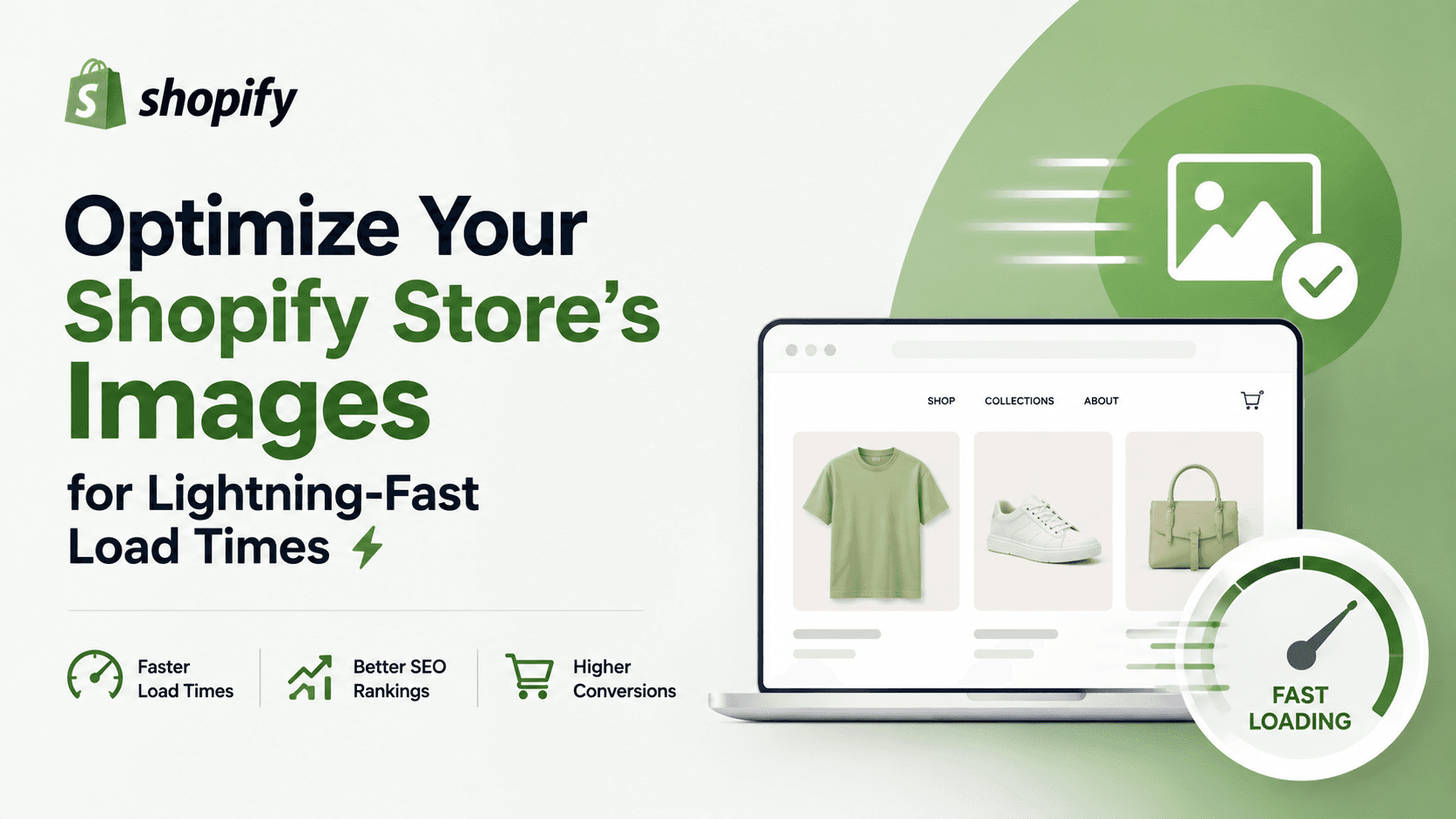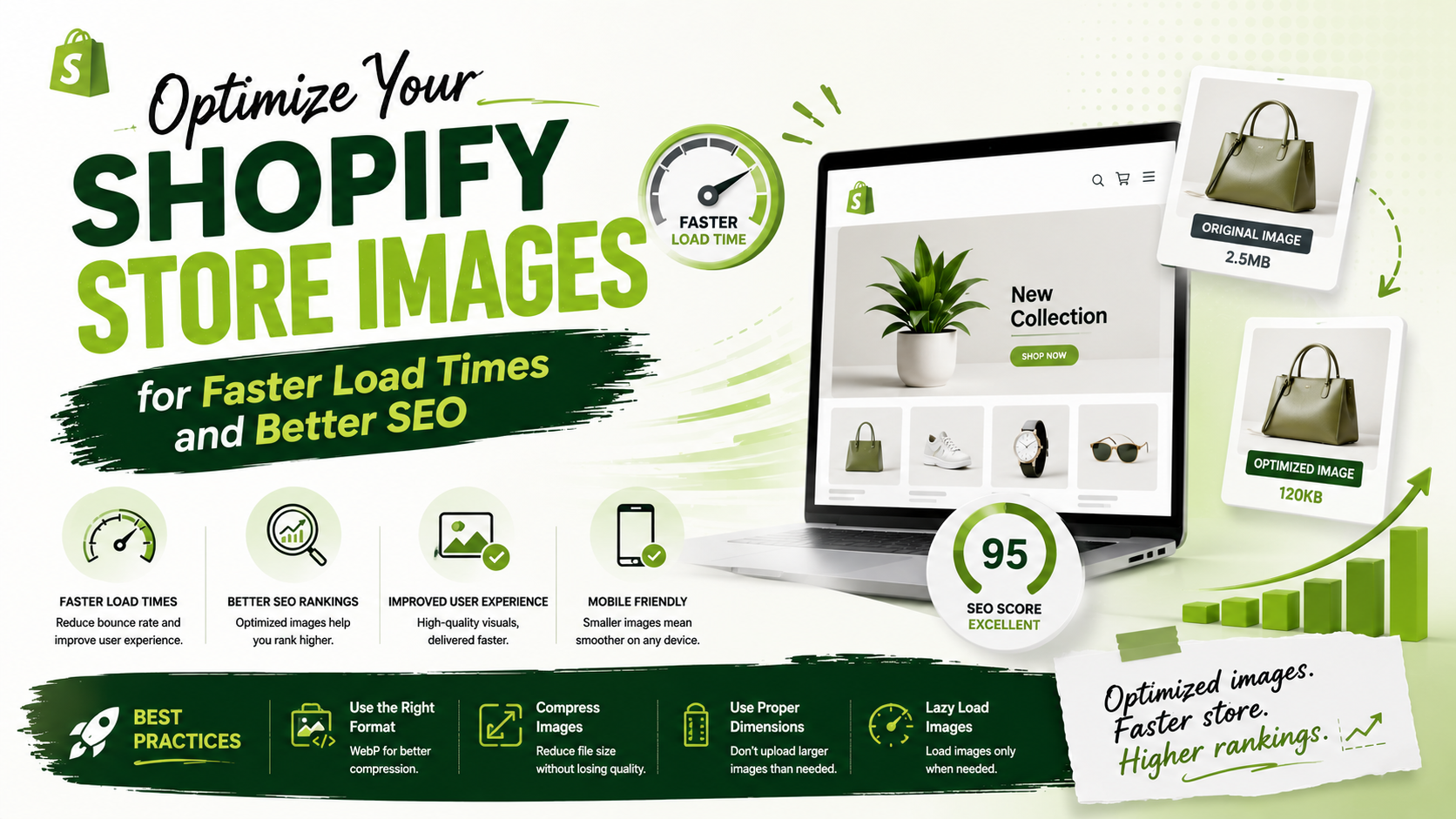
As a Shopify store owner, you know how important it is to have a fast and seamless user experience. One often overlooked aspect of optimization is image optimization. Large image files can significantly slow down your store's load times, leading to frustrated customers and lost sales. In this article, we'll explore the best image optimization tools and practices to help you speed up your Shopify store, improve user experience, and boost search engine rankings.
Why Image Optimization Matters
Image optimization is crucial for several reasons. Firstly, large image files can slow down your store's load times, leading to higher bounce rates and lower conversion rates. According to Google, a one-second delay in load times can result in a 20% decrease in conversion rates. Secondly, image optimization can improve your store's search engine rankings. Search engines like Google prioritize fast and optimized websites, so optimizing your images can help improve your store's visibility and drive more organic traffic.
Best Image Optimization Tools for Shopify
There are several image optimization tools available for Shopify, both free and paid. Some popular options include Squoosh, TinyPNG, Crush.pics, and Tiny SEO Speed Image Optimizer. These tools offer a range of features, including image compression, resizing, and format conversion. When choosing an image optimization tool, consider factors such as ease of use, feature set, and pricing.
Best Practices for Image Optimization
In addition to using image optimization tools, there are several best practices you can follow to optimize your images. These include using the correct image format (such as JPEG or PNG), resizing images to the correct dimensions, and compressing images to reduce file size. You should also use descriptive alt text and file names to improve image accessibility and search engine rankings.
Conclusion and Next Steps
Image optimization is a critical aspect of Shopify store optimization. By using the right tools and following best practices, you can improve your store's load times, user experience, and search engine rankings. To get started, try out some of the image optimization tools mentioned in this article, and follow the best practices outlined above. With a little effort, you can optimize your images and take your Shopify store to the next level. Take the first step today and start optimizing your images for a faster, more efficient, and more profitable store.