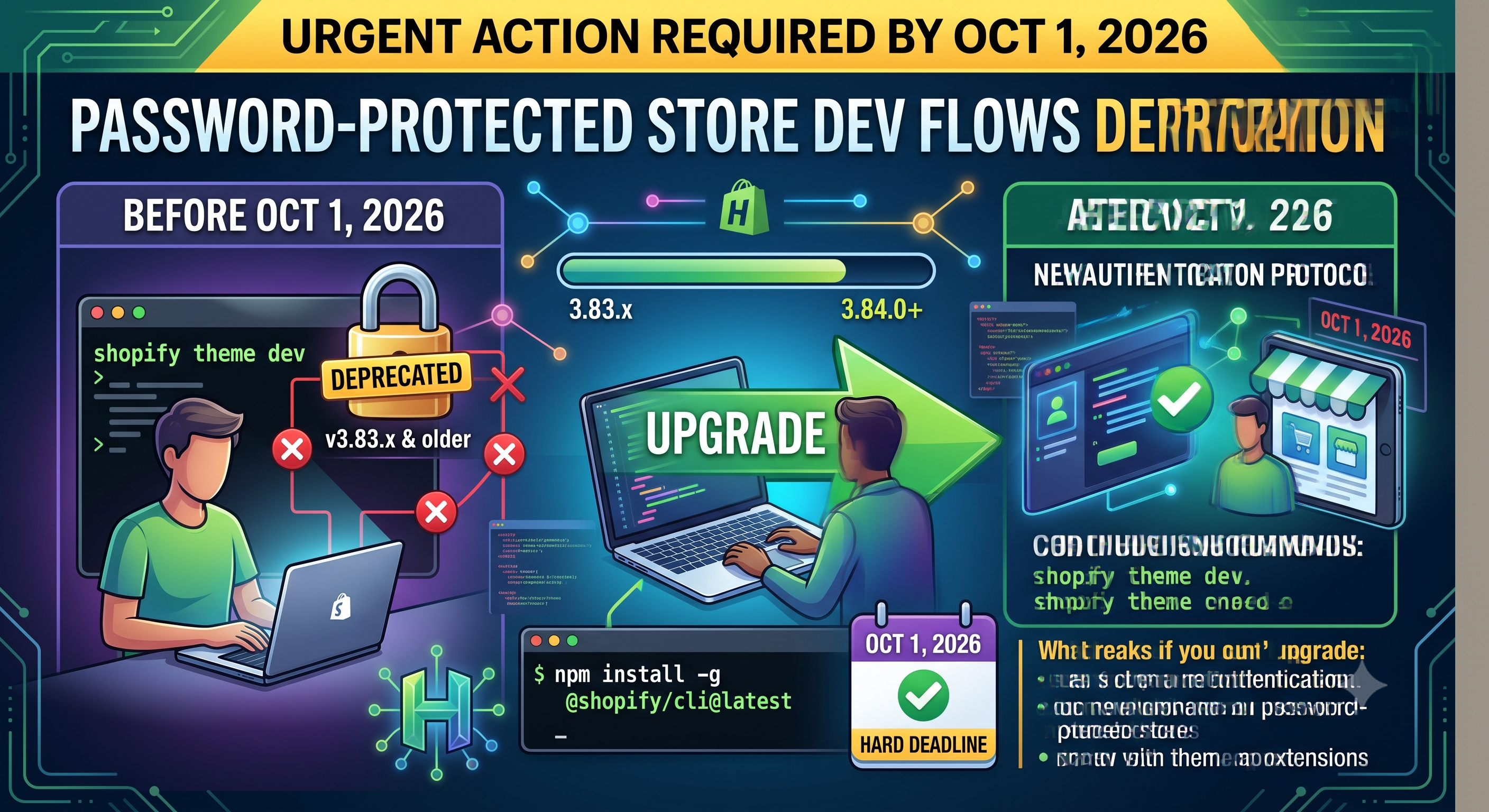
If you build or preview Shopify themes behind a password‑protected storefront, you’ve just received a critical heads‑up. Starting October 1 2026, any Shopify CLI version earlier than 3.84.0 will lose the ability to authenticate those stores, meaning commands like shopify theme dev or shopify theme console will stop working. This post breaks down the change, who it impacts, and the exact steps you need to take today to keep your development flow uninterrupted.
What’s Changing
Older CLI releases (3.83.x and earlier) rely on a legacy storefront authentication method that Shopify is retiring. After the October 1 2026 cutoff, those versions will no longer be able to establish a preview session for password‑protected shops. The change does not affect public stores or the core Shopify APIs—only the specific development workflow that uses the CLI to spin up a local preview against a storefront that requires a password.
Who Is Affected
The deprecation targets developers (or development teams) who:
• Use shopify theme dev, shopify theme console, or shopify app dev when the app includes theme app extensions, and
• Have their store’s storefront protected by a password (the typical “Password protection” toggle in the Shopify admin).
Merchants who never enable password protection aren’t directly impacted, but any partner or agency building on behalf of a merchant will need to verify the store’s settings and CLI version before the deadline.
Why This Matters for Your Workflow
Password protection is a common safety net for stores that are still in staging or undergoing a redesign. It lets developers preview changes without exposing unfinished work to customers. When the CLI can’t authenticate, the preview server fails, forcing you to either push incomplete code live or halt development entirely. Upgrading ensures you retain the seamless “local‑to‑shop” experience you’re used to, with real‑time hot‑reloading, theme console debugging, and direct access to theme app extensions.
How to Upgrade – Step‑by‑Step
bash
npm install -g @shopify/cli@latest
bash
shopify version
# Expected output: 3.84.0 or newer (4.7.0 is the current stable)
bash
shopify theme dev --store your-store.myshopify.com
If you use a package manager other than npm (Homebrew, Yarn, or the standalone binary), follow the official “Install Shopify CLI” docs for your platform. The key is to be on 3.84.0 or later before the deprecation date.
Alternative: Remove Password Protection
If upgrading the CLI isn’t feasible for a particular machine, you can temporarily lift the password requirement in the Shopify admin (Online Store → Preferences → Password protection). Once the store is public, any CLI version will work because Shopify falls back to the standard public storefront authentication. Remember to re‑enable the password once you’re done testing, or coordinate with the merchant to keep the store public if that aligns with their launch timeline.
Deprecation Timeline
Next Steps & Best Practices
• Add a version check to your CI pipeline (e.g., shopify version | grep -E "(3\.84|4\.)").
• Document the upgrade process in your team’s onboarding guide so new developers start with the correct CLI version.
• Keep an eye on the Shopify CLI release notes – minor releases often include performance tweaks that can speed up theme dev cycles.
• If you maintain internal tooling that invokes shopify theme dev programmatically, update the dependency to the latest CLI package to avoid runtime failures.
Conclusion
The deprecation of password‑protected development flows is a straightforward change, but it has a direct impact on any developer who relies on a local preview of a locked‑down store. By upgrading to Shopify CLI 3.84.0 or newer—and confirming the version before the October 1 2026 cutoff—you’ll keep your workflow smooth and avoid unexpected downtime. Need help with the upgrade or have questions about your store’s password settings? Drop a comment below or reach out to our Shopify development community for personalized assistance.