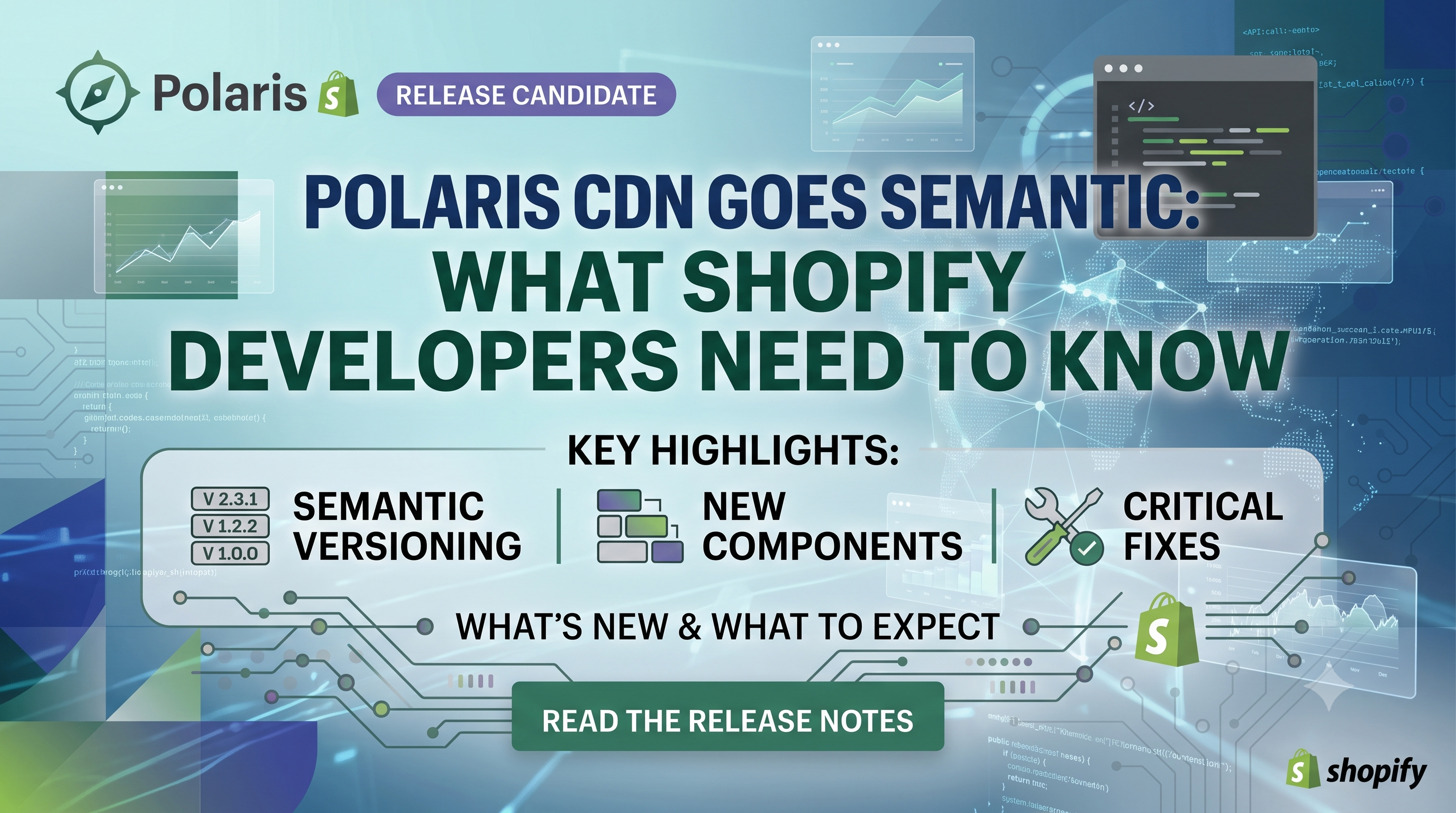
Shopify just announced a major shift for Polaris Web Components loaded from its CDN: they’ll now follow semantic versioning. This change promises clearer upgrade paths, better stability, and more control for developers building third‑party apps. In this post we break down exactly what’s changing, who it impacts, and the steps you should take to keep your integrations running smoothly.
What’s Changing: Semantic Versioning for the Polaris CDN
Previously, the Polaris CDN was a single, ever‑evolving script (polaris.js) that silently introduced new features and occasional breaking changes. Now, each release will be tagged with a semantic version (MAJOR.MINOR) and served from distinct URLs. “Major” releases may contain breaking API or behavioral changes, “minor” releases bring compatible enhancements, bug fixes, accessibility updates, and visual tweaks. Security patches can be back‑ported to older stable releases.
Who Is Affected
The change only touches third‑party apps that load Polaris components directly from the Shopify CDN and developers using the @shopify/polaris-types npm package. It does not affect App Home UI extensions, Admin UI extensions, or App Bridge, which have their own versioning strategies.
How It Works: Release Channels
Shopify provides three ways to consume the CDN:
https://cdn.shopify.com/shopifycloud/polaris-1.js. This URL always points to the latest stable minor release within the current major version. It will never jump to a new major version without explicit action from you.https://cdn.shopify.com/shopifycloud/polaris-1.1.js. A pinned release stops receiving new features, fixes, or visual changes until you update the URL yourself.https://cdn.shopify.com/shopifycloud/polaris-1.1-rc.js. The RC script accumulates improvements during its candidate window and updates in‑place, giving you a safe sandbox to validate breaking changes before they hit stable.Actionable Steps for Developers
polaris.js URL, switch to the stable channel (polaris-1.js). The old URL will continue to be updated in lockstep with the new stable channel, but moving now future‑proofs you against the upcoming major version bump.npm install @shopify/polaris-types@^1 to stay aligned with the current major release. When a new major is released, you’ll need to bump the version manually.polaris-2.js), the URL will change. Schedule a review of your component usage, run regression tests, and only then update the script tag. This explicit step prevents unexpected breakage in production.Testing Upcoming Changes
Shopify will publish a release‑candidate script for each upcoming minor version. For example, to test Polaris 1.1 before it becomes stable, include:
<script src="https://cdn.shopify.com/shopifycloud/polaris-1.1-rc.js"></script>
Run your component integration tests against this URL. Any breaking API change will be visible early, giving you ample time to adjust your code or file a bug with Shopify.
Best Practices & Takeaways
Conclusion & Call to Action
Semantic versioning brings the Polaris CDN into line with modern JavaScript best practices, giving you the predictability you need while still benefiting from continuous improvements. Update your script tags, align your @shopify/polaris-types dependency, and start testing RC builds today. Need help migrating or want a deeper dive? Drop a comment below or reach out to our Shopify development team for a free audit of your Polaris integration.