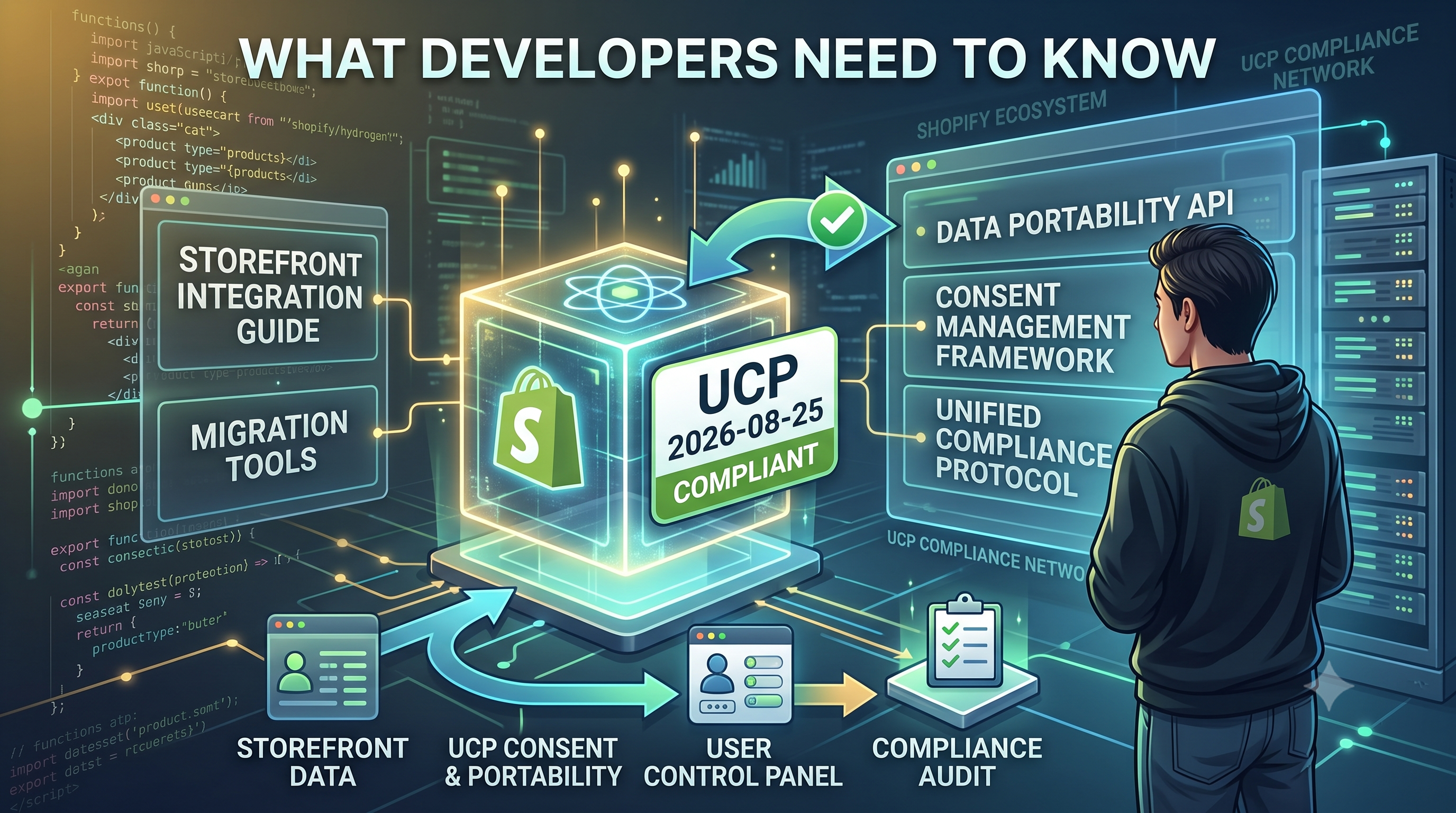
Shopify Storefronts Now Support UCP 2026‑08‑25 – What Developers Need to Know

Shopify’s storefronts now advertise support for the Universal Commerce Protocol version 2026‑08‑25, enabling seamless capability negotiation for platforms and agents. Learn what changed, who’s impacted, and the exact steps you should take.

Shopify Storefronts Now Support UCP 2026‑08‑25 – What Developers Need to Know
5 sections

Shopify just announced that all storefronts now expose a Universal Commerce Protocol (UCP) discovery profile for version 2026‑08‑25. While the underlying capabilities remain unchanged, this version bump lets UCP‑aware platforms negotiate with Shopify using the latest protocol contract. In this post we break down the update, who it matters to, and the exact actions you should take today.

What Changed

Storefront discovery profiles located at /.well-known/ucp now declare support for UCP version 2026‑08‑25. The profile’s JSON schema stays the same, but the "protocol_version" field has been bumped. No new capabilities were added; the change is purely version advertising, which enables agents that already understand the 2026‑08‑25 profile to treat Shopify as a compatible endpoint.

Who Is Affected

This update impacts two groups:

• Shopify storefronts that expose a /.well-known/ucp endpoint – they now signal the newer protocol version automatically.

• Any platform, app, or service that uses UCP discovery profiles to negotiate capabilities with Shopify – if your agent already supports the 2026‑08‑25 profile, you can now connect without any extra work.

Actionable Steps for Developers

  • Verify your UCP agent supports version 2026‑08‑25. Most SDKs released after July 2026 already include it.
  • If you maintain a custom discovery profile, update the "protocol_version" field to "2026-08-25" when you generate the JSON. Example:
  • {

    "protocol_version": "2026-08-25",

    "capabilities": [

    "checkout", "cart", "product_query"

    ],

    "endpoints": {

    "storefront": "https://example.myshopify.com/api/2023-07/graphql.json"

    }

    }

  • No changes are required on the Shopify side – the storefront will automatically serve the updated profile at https://yourstore.myshopify.com/.well-known/ucp.
  • Test the negotiation flow using the UCP test suite or by calling the discovery endpoint and confirming the "protocol_version" value.
  • Document the compatibility in your integration notes so your clients know Shopify storefronts are now UCP‑2026‑08‑25 ready.
  • What This Means for Merchants

    For store owners, the update is invisible – there’s nothing to configure in the admin. However, merchants who rely on third‑party checkout or inventory tools that use UCP will experience smoother handshakes and fewer version‑mismatch errors. Encourage your app partners to confirm they’re on the latest UCP version to reap the benefit.

    Conclusion & Next Steps

    Shopify’s quick version bump to UCP 2026‑08‑25 removes a compatibility barrier for developers building cross‑platform commerce experiences. If your integration already talks UCP, you’re good to go – just double‑check the version string. If you’re just getting started, follow the UCP docs to implement the discovery profile and you’ll be ready for future protocol upgrades without code changes.

    Ready to future‑proof your Shopify integrations? Start by reviewing your UCP agent’s version support and run a quick test against your store’s /.well-known/ucp endpoint today.
    Tags
    Sources

    Related Articles

    Protecting Shoppers: Shopify’s New Confirmation Prompt for External Redirects

    Protecting Shoppers: Shopify’s New Confirmation Prompt for External Redirects

    Shopify now shows a confirmation modal before sending customers to untrusted external sites, helping prevent phishing and unwanted redirects. Learn what changed, who’s affected, and how to keep your store’s experience smooth.

    October 21, 20264 min
    Mastering Stock Counts: New Tools to Create, Manage, and Review Inventory in Shopify Admin

    Mastering Stock Counts: New Tools to Create, Manage, and Review Inventory in Shopify Admin

    Shopify’s latest Stock Count feature brings barcode scanning, real‑time reviews, and audit trails directly into the admin. Learn who it impacts, how to set it up, and what developers need to know.

    October 20, 20264 min
    Unlocking Analytics for Metaobjects: New Queryable Capability in the Shopify Admin API

    Unlocking Analytics for Metaobjects: New Queryable Capability in the Shopify Admin API

    Shopify’s 2027-01 GraphQL Admin API now lets you read and set the analyticsQueryable capability on metaobject definitions, aligning them with metafields. Learn what changed, who it impacts, and how to enable analytics for your custom data.

    October 20, 20263 min
    Securing Your Shopify App: New AI‑Powered Checks and Expiring Tokens

    Securing Your Shopify App: New AI‑Powered Checks and Expiring Tokens

    Shopify’s latest developer update forces app makers to adopt AI security scans, short‑lived access tokens, and tighter account protections. Learn what changed, who’s affected, and how to implement the new safeguards today.

    October 20, 20264 min