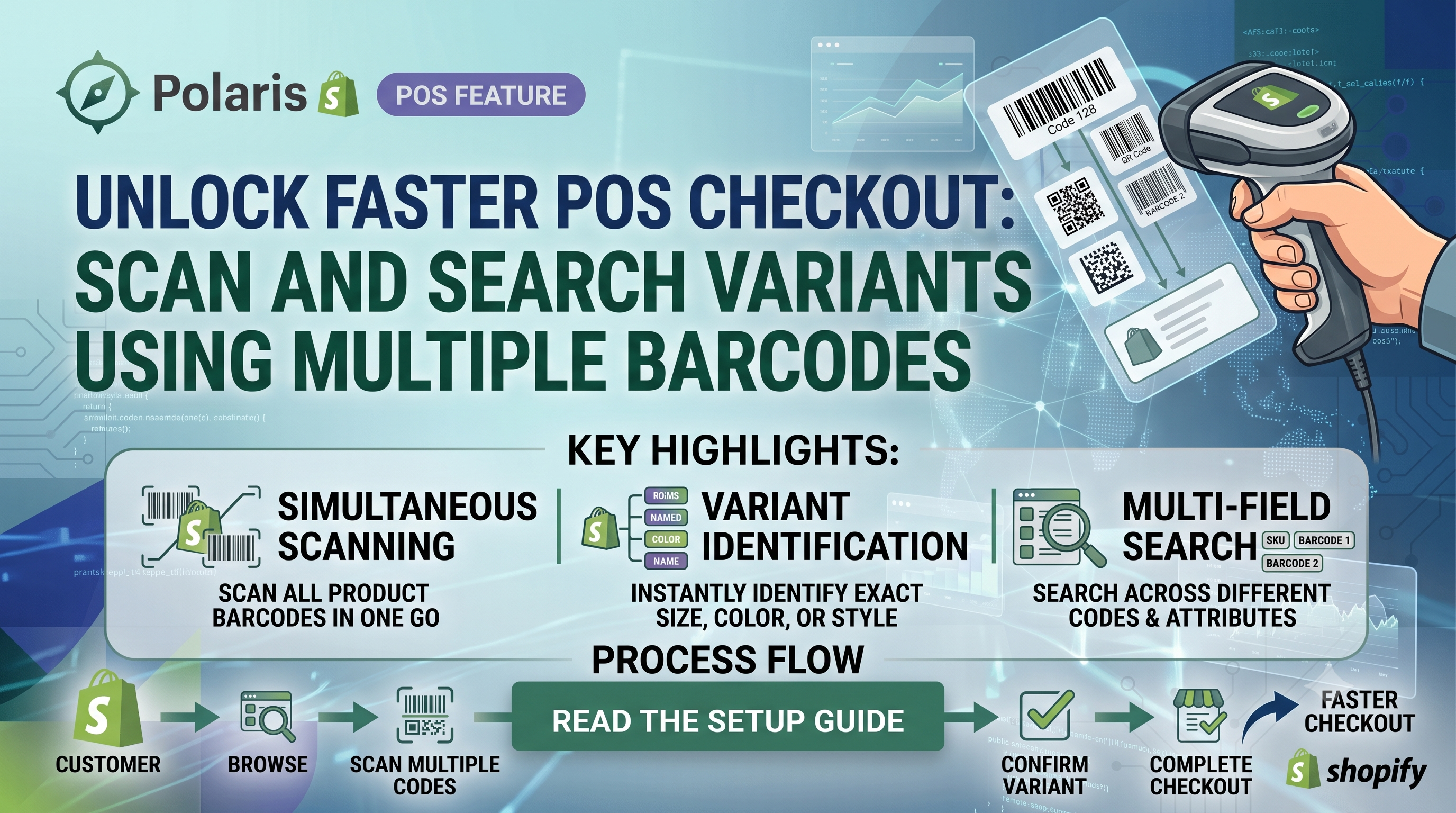
Shopify merchants and developers have a new tool in their POS arsenal: the ability for Shopify POS (v11.14+) to locate a product variant by scanning any barcode linked to that variant. Whether you receive items from multiple suppliers, sell the same SKU in different packaging, or manage a complex catalog, this change removes the guesswork of barcode mismatches and speeds up checkout, receiving, and inventory workflows.
What’s Changing?
Previously, Shopify POS matched a scanned barcode only to the primary barcode stored on a variant. If a product carried additional barcodes—perhaps a supplier’s UPC, a barcode on a bundle, or a legacy SKU—staff had to look up the item manually or rely on a separate lookup table. The new update expands the barcode lookup to include every barcode attached to a variant, allowing any of them to trigger the same product result.
Who’s Affected?
The change is primarily a merchant‑facing improvement, but developers who build custom inventory or checkout apps need to be aware of the expanded matching logic. Merchants who already use multiple barcodes will see immediate benefits, while developers may need to adjust any custom validation that assumed a one‑to‑one barcode‑variant relationship.
How to Enable Multiple Barcodes
For developers who prefer the API, the GraphQL productVariantUpdate mutation now accepts an array of barcodes via the barcode field. Example:
graphql
mutation {
productVariantUpdate(input: {
id: "gid://shopify/ProductVariant/1234567890",
barcode: ["0123456789012", "9876543210987"]
}) {
productVariant {
id
barcode
}
userErrors {
field
message
}
}
}
Impact on Existing Integrations
If your custom app queries variant.barcode assuming a single string, you’ll now receive the primary barcode only; the extra barcodes are stored in the barcode array (for GraphQL) or in the additional_barcode metafield for REST. Adjust your data models accordingly to avoid validation errors. The POS itself will automatically use the full set, so no front‑end changes are required for in‑store staff.
Action Checklist
Conclusion
Multiple barcode support removes a common friction point in high‑volume stores and simplifies inventory reconciliation across channels. By adding the extra barcodes in admin or via API, merchants unlock faster POS interactions, and developers keep their integrations future‑proof. Take a few minutes today to audit your catalog, update the barcodes, and let your team experience a smoother checkout.
Ready to upgrade your barcode workflow? Log into Shopify Admin, add the extra barcodes, and share this guide with your POS team. For deeper API questions, drop a comment or contact our support.