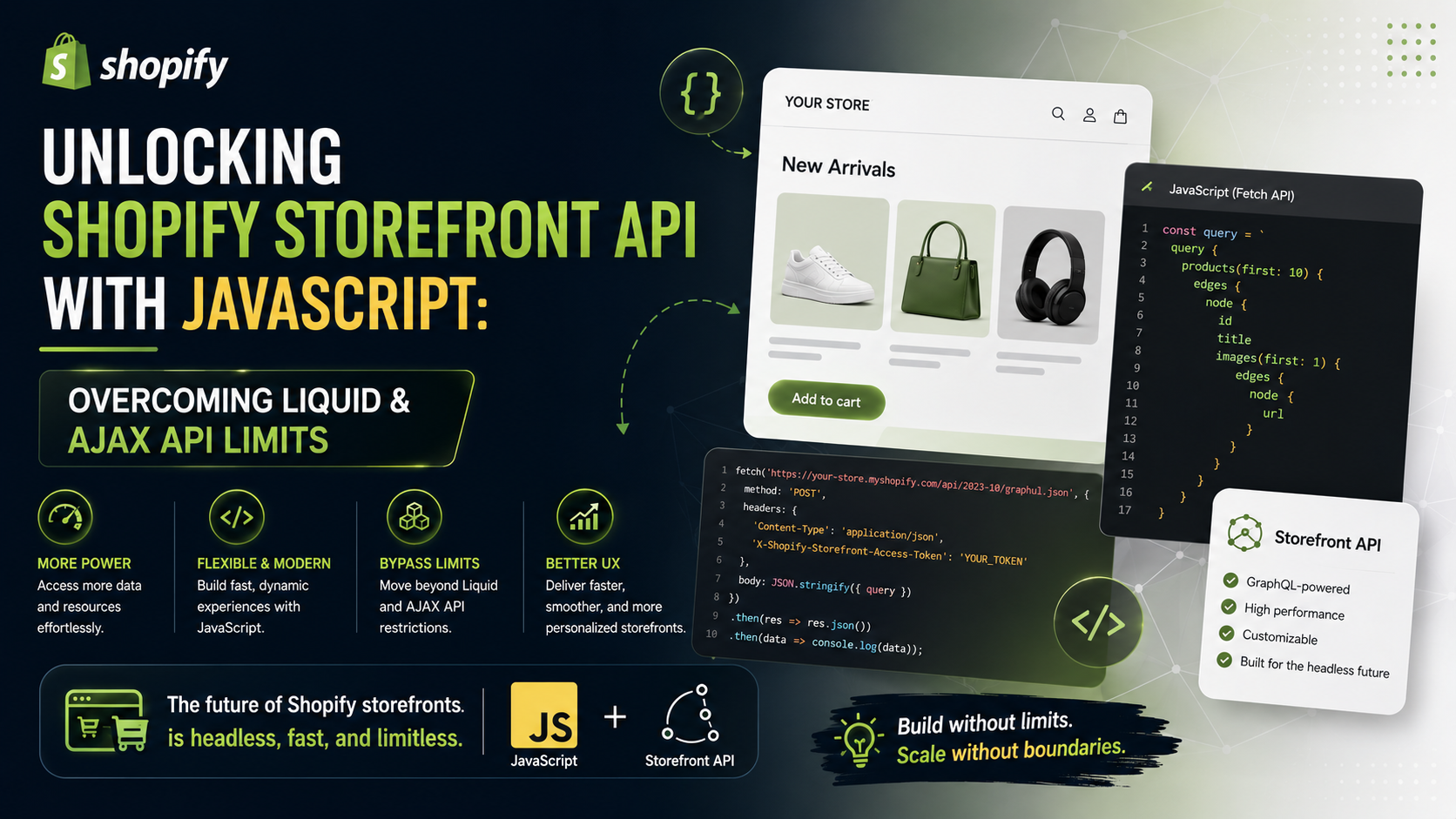
When building custom features or modern user interfaces on Shopify, developers typically rely on two core tools: Liquid for server-side rendering and the Shopify AJAX Cart API for client-side interactions.
However, as store requirements grow more complex, you will inevitably hit the architectural wall of both tools. This is where the Shopify Storefront API comes in. In this article, we’ll explore the specific limitations of Liquid and the AJAX API, how GraphQL via the Storefront API solves them, and how to set up your access tokens securely.
1. Limitations of Liquid & AJAX API vs. Storefront API
1.1 Dynamic Client-Side Fetching
1.2 Advanced Search & Filtering
1.3 Flexible Cross-Selling & Metafield Access
.json layout templates.2. Setting Up Permissions & Securing Access Tokens
Because the Storefront API is called directly from the client’s browser, your Storefront Access Token will be publicly visible in the frontend source code. To keep your store data safe, you must configure strict permission boundaries.
⚠️ The Golden Rule: Always follow the Principle of Least Privilege. Never grant permissions to read sensitive customer or order data unless your frontend specifically requires it.
Step-by-Step Configuration in Shopify Admin:
Storefront JS Client).unauthenticated_read_product_listings: Read product and collection listings.unauthenticated_read_product_inventory: Read inventory levels (if displaying stock status).unauthenticated_write_checkouts / unauthenticated_read_checkouts: Create and manage carts/checkouts.unauthenticated_read_selling_plans: Access subscription plans.unauthenticated_read_customer_tags / addresses / customers: Keep disabled to prevent unauthorized access to customer personal information.3. Code Example: Fetching Products with Vanilla JavaScript
Here is a complete, lightweight example using the native fetch API to query the 5 newest products along with their titles, prices, and featured images.
// 1. Storefront API Configuration
const SHOPIFY_STORE_DOMAIN = 'your-shop-name.myshopify.com'; // Replace with your store domain
const STOREFRONT_ACCESS_TOKEN = 'your_storefront_access_token_here'; // Public token with scoped permissions
const API_VERSION = '2024-01'; // Current API version

const GRAPHQL_URL = `https://${SHOPIFY_STORE_DOMAIN}/api/${API_VERSION}/graphql.json`;

// 2. Define the GraphQL Query
const PRODUCTS_QUERY = `
  query getTopProducts {
    products(first: 5, sortKey: CREATED_AT, reverse: true) {
      edges {
        node {
          id
          title
          handle
          priceRange {
            minVariantPrice {
              amount
              currencyCode
            }
          }
          featuredImage {
            url
            altText
          }
        }
      }
    }
  }
`;

// 3. Helper Function to Fetch Data
async function fetchShopifyData(query, variables = {}) {
  try {
    const response = await fetch(GRAPHQL_URL, {
      method: 'POST',
      headers: {
        'Content-Type': 'application/json',
        'X-Shopify-Storefront-Access-Token': STOREFRONT_ACCESS_TOKEN,
      },
      body: JSON.stringify({
        query: query,
        variables: variables,
      }),
    });

    if (!response.ok) {
      throw new Error(`HTTP error! Status: ${response.status}`);
    }

    const result = await response.json();

    if (result.errors) {
      console.error('GraphQL Errors:', result.errors);
      return null;
    }

    return result.data;
  } catch (error) {
    console.error('Fetch Error:', error);
    return null;
  }
}

// 4. Execute and Process Data
async function initStorefrontFeature() {
  const data = await fetchShopifyData(PRODUCTS_QUERY);

  if (data && data.products) {
    const products = data.products.edges.map(edge => edge.node);
    console.log('Retrieved Products:', products);

    // Example: Render items dynamically in your DOM
    /*
    products.forEach(product => {
      console.log(`Title: ${product.title} - Price: ${product.priceRange.minVariantPrice.amount} ${product.priceRange.minVariantPrice.currencyCode}`);
    });
    */
  }
}

// Run the initialization
initStorefrontFeature();
4. Feature Comparison & Security Takeaways
| Feature | Liquid | AJAX API (Cart API) | Storefront API (GraphQL) |
|---|---|---|---|
| Execution Environment | Server-side | Client-side | Client-side / Headless |
| Query Speed | Fast on initial page load | Moderate | Fast (fetches only requested fields) |
| Flexibility | Low (tied to page reloads) | Moderate (cart & basic product tasks) | Very High (unrestricted public data access) |
| Security Risk | Zero public token exposure | Session-based | Requires careful Token scope configuration |