What is Stocky by Shopify?

If you have spent any time browsing the Shopify Community forums or Reddit e-commerce threads, you have likely seen merchants frequently discussing Stocky.

What is Stocky by Shopify?
5 sections

As inventory management grows increasingly complex for retail businesses, Stocky has become one of the most debated apps in the Shopify ecosystem. Here is a breakdown of what Stocky does, why it is hot topic on the forums, and whether it is right for your store.

1. What is Stocky?

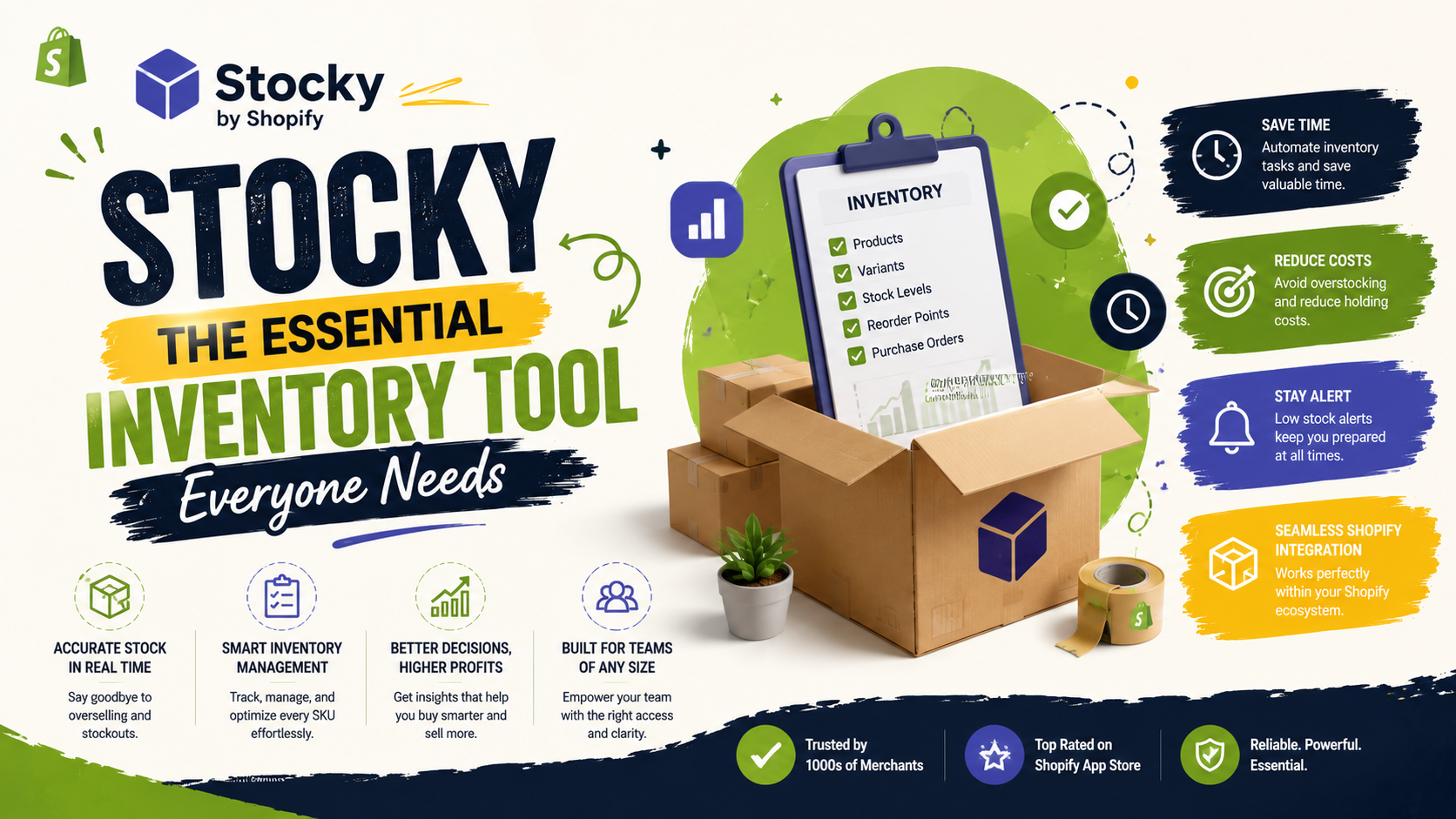
Stocky is an official inventory management app developed by Shopify. Designed specifically for merchants using Shopify POS Pro, Stocky helps offline and multi-channel retailers manage stock levels, forecast demand, handle purchase orders, and reduce inventory holding costs.

Unlike basic Shopify admin inventory tracking—which simply counts stock up and down—Stocky acts as an operational hub for stock management.

Stocky by Shopify

2. Key Features That Make Stocky Useful

  • Demand Forecasting: Stocky analyzes your historical sales data to project when products will sell out and recommends exact reorder quantities.
  • Purchase Order (PO) Management: Easily create, send, and track purchase orders to suppliers directly within the app.
  • Stocktakes & Barcode Scanning: Conduct full or partial physical inventory audits using standard barcode scanners to update counts in real time.
  • Stock Transfers: Seamlessly move inventory between multiple physical locations or retail stores.
  • Profitability Analytics: Track metrics like Cost of Goods Sold (COGS), Gross Margin Return on Inventory (GMROI), and dead stock.
  • 3. Why Is Everyone Discussing Stocky on Shopify Forums?

    If you check the Shopify forums, opinions on Stocky are lively and mixed. Here is why it receives so much attention:

    The Positives:

  • Included with POS Pro: For merchants paying for Shopify POS Pro, Stocky is included at no extra cost, offering features that standalone ERPs often charge hundreds of dollars per month for.
  • Deep Shopify Integration: Because it is built by Shopify, it syncs directly with your product catalog, locations, and sales channels without requiring third-party API setup.
  • The Forum Pain Points (Common Topics):

  • Learning Curve & Sync Delays: Users frequently discuss sync delays between Stocky, Shopify Admin, and POS hardware, especially during high-volume sales.
  • Variant & Bundle Limits: Merchants with large catalogs (thousands of SKU variants) or complex product bundles often seek advice on the forums on how to manage performance limits.
  • Support & Workarounds: Forum members regularly trade tips on workarounds for supplier management and purchase order workflows.
  • 4. Who Should Use Stocky?

    Ideal ForNot Recommended For
    Retail stores using Shopify POS ProPure e-commerce stores with simple catalog setups
    Businesses managing multiple locationsStores needing complex raw material/manufacturing tracking
    Merchants wanting automated Purchase OrdersHigh-volume enterprises requiring instant ERP integrations

    Final Thoughts

    Stocky bridges the gap between basic inventory tracking and full-fledged ERP systems. For brick-and-mortar stores operating on Shopify POS Pro, it offers powerful forecasting and purchase ordering tools that can save thousands in overstocking costs—provided you take the time to set up your supplier and cost data correctly.
    Tags
    Sources

    Related Articles

    Miquote ‑ B2B Pricing & Quotes
    3rd Apps🔥Must Read

    Miquote ‑ B2B Pricing & Quotes

    Miquote enables B2B wholesale quoting and tiered volume pricing on Shopify without requiring expensive Shopify Plus upgrades. Seamlessly display quantity discounts to buyers and collect wholesale leads directly on your storefront.

    August 21, 20263 min
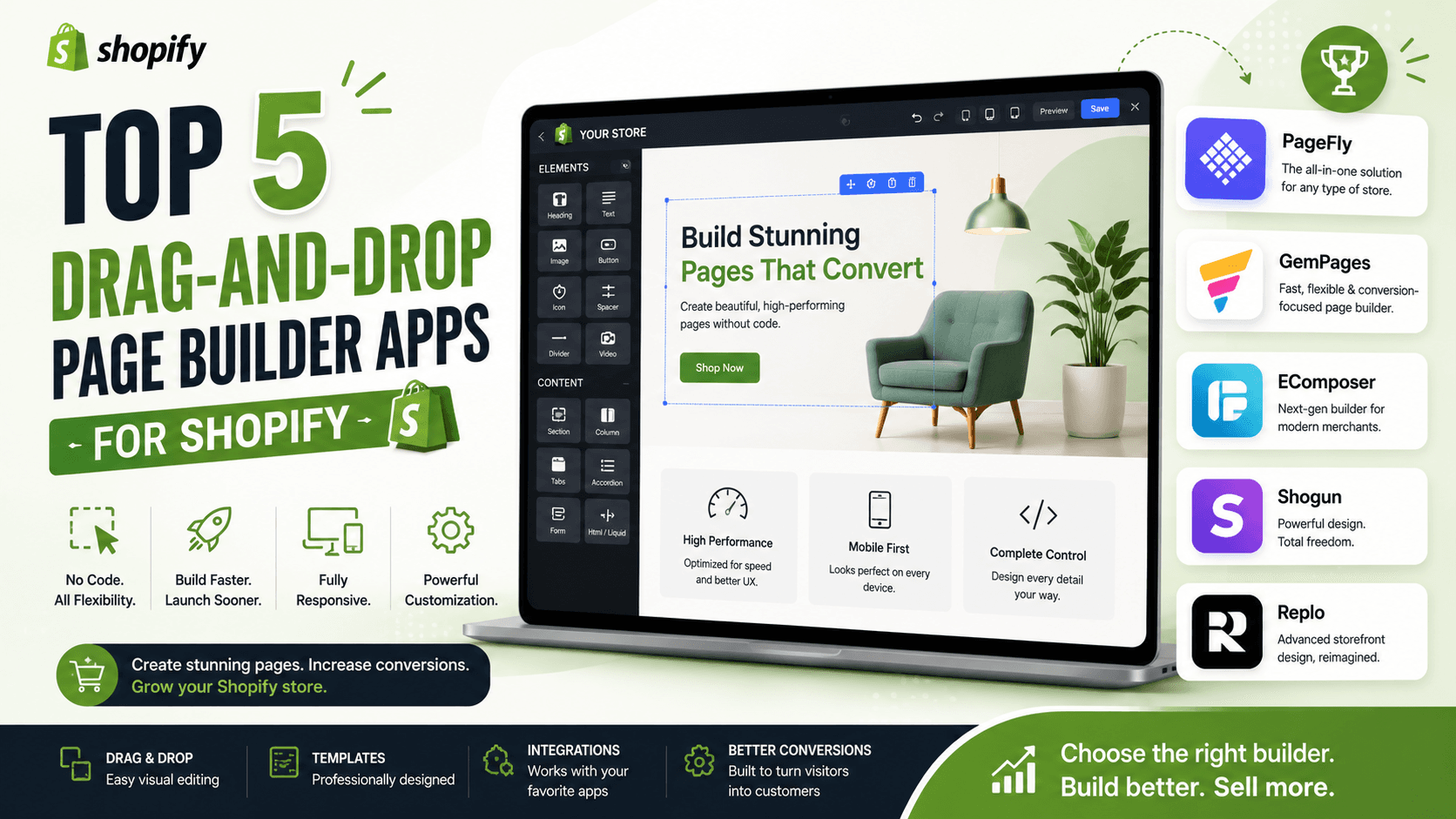
    Top 5 Drag-and-Drop Page Builder Apps for Shopify
    3rd Apps

    Top 5 Drag-and-Drop Page Builder Apps for Shopify

    Discover the best drag-and-drop page builder apps for Shopify to create custom landing pages, boost conversions, and enhance your store's design. Compare features, pricing, and user reviews of the top 5 apps. Learn how to choose the right app for your business and start building stunning pages today.

    August 20, 20263 min
    Import/Export data with MATRIXIFY
    3rd Apps

    Import/Export data with MATRIXIFY

    Let’s dive into how you can import and export data using Matrixify (formerly known as Excelify) for your Shopify store. Matrixify is a powerful app that allows you to manage your Shopify data in bulk.

    August 19, 202610 min
    Shopify Release Theme Review: A Powerful, Conversion-Focused Theme for Modern Stores
    3rd Apps

    Shopify Release Theme Review: A Powerful, Conversion-Focused Theme for Modern Stores

    Choosing the right Shopify theme is about more than finding an attractive design. A good theme needs to balance visual impact, performance, flexibility, product discovery, and conversion features—without forcing merchants to install dozens of additional apps

    August 18, 202615 min