Customer Address APIs Add countryCode — What Developers Need to Know

Shopify’s Customer Account API now supports a countryCode field for addresses, deprecating territoryCode. Learn what changed, who’s affected, and how to update your apps with actionable code examples.

Customer Address APIs Add countryCode — What Developers Need to Know
8 sections

Shopify just released a key update to the Customer Account API: starting with version 2026-10, address inputs and objects now include a countryCode field. The long‑standing territoryCode field is officially deprecated, though still functional for now. This change aligns address data with the rest of Shopify’s APIs, which already use the strongly typed CountryCode enum. If you build apps that create, read, or update customer addresses, this post walks you through the update, explains who it impacts, and provides concrete steps—and code—to migrate smoothly.

What Changed

  • The GraphQL input type CustomerAddressInput and the object type CustomerAddress now expose a countryCode field. The field expects a value from the CountryCode enum, which follows ISO 3166‑1 alpha‑2 codes (e.g., US, CA, GB).
  • The existing territoryCode field is marked as deprecated in API version 2026-10. It still works, but any query or mutation that supplies both countryCode and territoryCode will prioritize countryCode.
  • No other payload structure changes were introduced—only the addition of the new enum‑based field.
  • Who Is Affected

  • Developers building private, public, or custom apps that interact with the Customer Account API (e.g., checkout extensions, loyalty apps, address‑validation services).
  • Merchants indirectly, because any app that hasn’t been updated may still send territoryCode values. The change is backward‑compatible, so there’s no immediate breakage, but future removals could impact store functionality if apps aren’t updated.
  • Apps already pinned to an API version earlier than 2026-10 (2026-07 or older) see no change and can continue using territoryCode until they decide to upgrade.
  • Why This Matters

    Shopify’s ecosystem has been converging on a single country‑code terminology. The new CountryCode enum is used across many APIs—orders, shipping, tax, and now customer addresses. This reduces confusion between “country” and “territory,” eliminates the need for developers to guess whether a three‑letter code (USA) or numeric code (840) is acceptable, and enforces a consistent data contract across the platform.

    How to Migrate: Actionable Steps

  • Identify all address mutations/queries that reference territoryCode. Search your codebase for “territoryCode” in GraphQL files or SDK calls.
  • Add countryCode to the input payload.** If you’re already sending territoryCode, keep it temporarily for backward compatibility, but plan to drop it.
  • Swap ISO‑3166‑1 alpha‑3 or numeric values for the two‑letter codes required by the enum. For example, change “USA” or “840” to “US.”
  • Update your API version to at least 2026-10** in your app’s GraphQL client configuration. This unlocks the new field and surfaces the deprecation warning for territoryCode.
  • Test thoroughly—run create, update, and read address flows in a development store, confirming that the returned CustomerAddress object includes countryCode and that the value matches expectations.
  • Monitor deprecation warnings in your logs. Once you’re confident the new field works, remove territoryCode from your payloads to future‑proof your integration.
  • Code Example: Creating an Address with countryCode

    Below is a GraphQL mutation that creates a customer address using the new countryCode field. The snippet assumes you’re using the 2026-10 API version.

    graphql

    mutation CreateCustomerAddress($customerId: ID!, $address: CustomerAddressInput!) {

    customerAddressCreate(customerId: $customerId, address: $address) {

    customerAddress {

    id

    firstName

    lastName

    address1

    city

    province

    countryCode

    }

    userErrors {

    field

    message

    }

    }

    }

    Variables:

    {

    "customerId": "gid://shopify/Customer/1234567890",

    "address": {

    "firstName": "Jane",

    "lastName": "Doe",

    "address1": "123 Maple St",

    "city": "Seattle",

    "province": "WA",

    "countryCode": "US",

    "zip": "98101"

    }

    }

    Reading the Updated Field

    When you query a customer’s addresses, include countryCode in the selection set to verify the value is stored correctly:

    graphql

    query GetCustomerAddresses($customerId: ID!) {

    customer(id: $customerId) {

    addresses(first: 10) {

    edges {

    node {

    id

    address1

    city

    province

    countryCode

    # territoryCode is still available but deprecated

    }

    }

    }

    }

    }

    Testing & Validation Checklist

    ✅ Verify that all mutations use countryCode and supply a two‑letter ISO code.

    ✅ Ensure your GraphQL client is set to version 2026-10 or newer.

    ✅ Run end‑to‑end tests that create, update, and fetch an address; assert that countryCode matches the input.

    ✅ Check server logs for any deprecation warnings related to territoryCode.

    ✅ Once clean, remove territoryCode from the payloads and from any GraphQL fragments.

    Conclusion & Next Steps

    The addition of countryCode to Shopify’s Customer Address APIs is a small but important step toward a more consistent, type‑safe platform. While existing apps won’t break today, embracing the new field now ensures your integrations stay future‑proof and reduces the risk of ambiguous address data. Update your API version, swap out territoryCode for countryCode, and run the quick test suite outlined above.

    Got questions or need help with the migration? Drop a comment below or reach out to our Shopify developer community—staying ahead of API changes keeps your store running smoothly and your customers happy.

    Tags
    Sources

    Related Articles

    Multiple Barcodes per Variant: What Shopify Merchants and Developers Need to Know
    Platform Updates

    Multiple Barcodes per Variant: What Shopify Merchants and Developers Need to Know

    Shopify now lets each product variant hold up to 20 barcodes, simplifying inventory across UPCs, EANs, ASINs, and custom codes. Learn how this change impacts your store, the API, CSV workflows, and the steps to start using it.

    September 8, 20264 min
    Meta Joins Your AI Channels: What Shopify Merchants Need to Know
    Platform Updates

    Meta Joins Your AI Channels: What Shopify Merchants Need to Know

    Meta is now an AI channel in the Shopify admin, letting merchants sync products, enable direct checkout, and track performance alongside other AI channels. Learn what changed, who’s affected, and the exact steps to configure Meta for your store.

    September 8, 20265 min
    Shopify Storefronts Now Support UCP 2026‑08‑25 – What Developers Need to Know
    Platform Updates

    Shopify Storefronts Now Support UCP 2026‑08‑25 – What Developers Need to Know

    Shopify’s storefronts now advertise support for the Universal Commerce Protocol version 2026‑08‑25, enabling seamless capability negotiation for platforms and agents. Learn what changed, who’s impacted, and the exact steps you should take.

    September 4, 20263 min
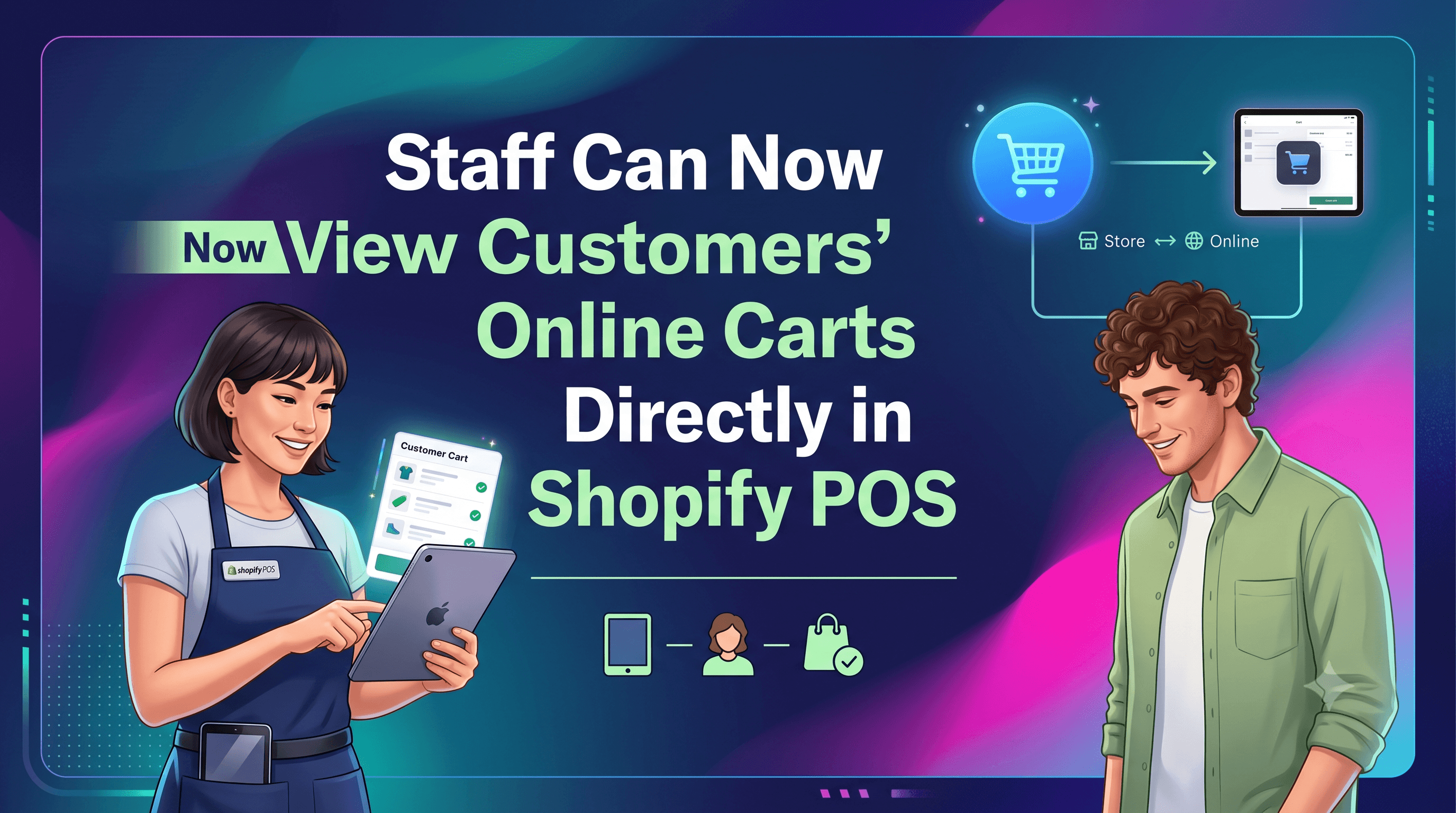
    Staff Can Now View Customers’ Online Carts Directly in Shopify POS
    Platform Updates

    Staff Can Now View Customers’ Online Carts Directly in Shopify POS

    Shopify POS v11.14 now lets authorized staff see an identified customer’s abandoned online cart at checkout. Learn who this impacts, how to enable the permission, and actionable steps to boost in‑store conversions.

    September 3, 20263 min